The Video Overviews feature, which launched on the web version back in 2025, is now rolling out to NotebookLM on both Android and iOS. Here’s how to use it and what makes it different from other AI tools flooding the market.
How to Generate Your First Video Overview
Step 1: Update the App
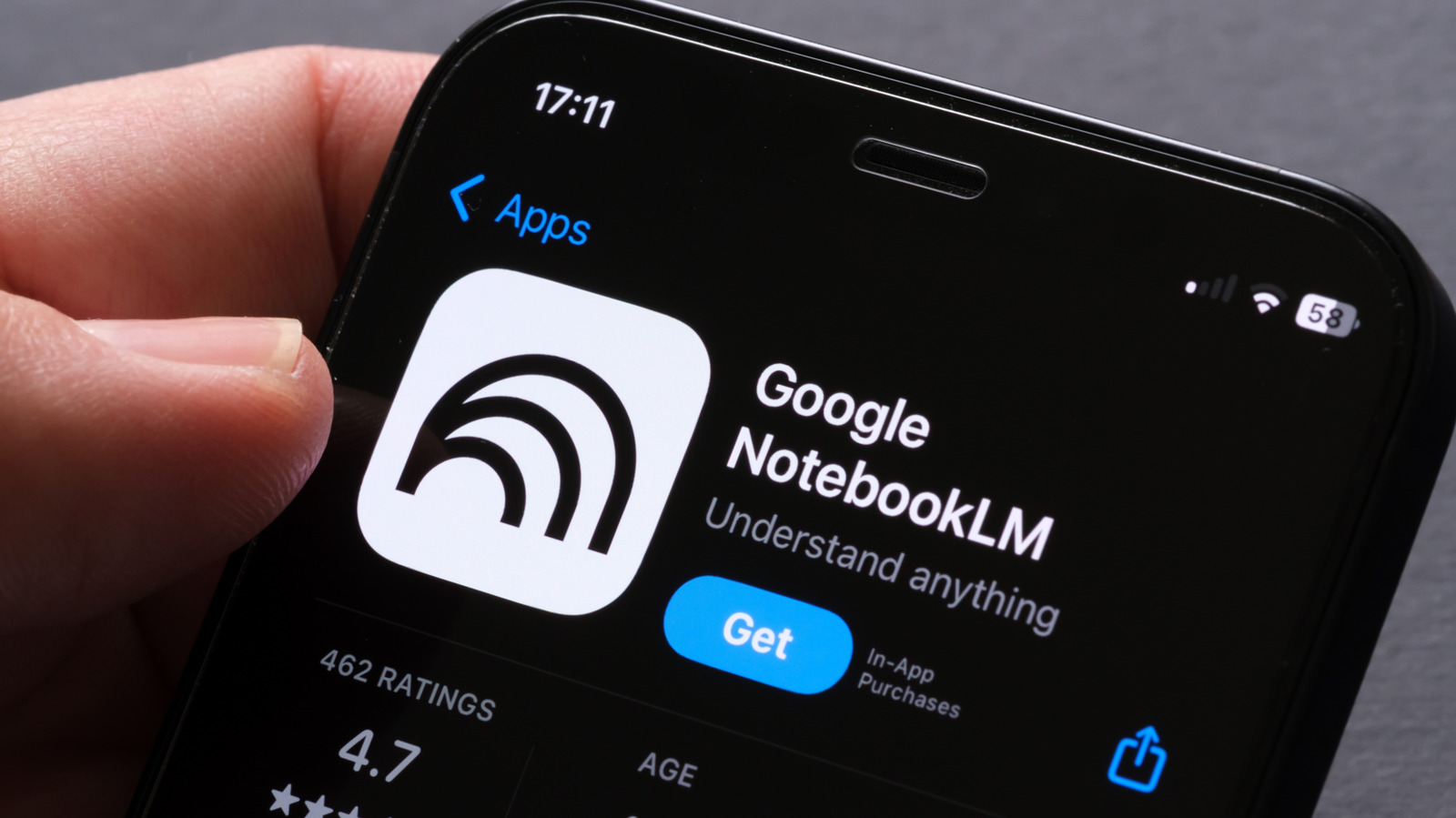
Google is rolling this out in phases, so you need the latest version. Head to the Google Play Store for Android or the Apple App Store for iOS and make sure NotebookLM is fully updated. If you don’t see the Video Overview option after following the next steps, this is probably why.
Step 2: Open the Studio
Load your sources into a notebook, then tap Studio in the bottom navigation bar. This is where NotebookLM generates all its output formats, from Audio Overviews to the new video feature. Think of it as the export hub for your research.
Step 3: Select Video Overview
Inside the Studio, tap Video Overview. The AI will analyze your source documents and structure a video presentation based on the key information it finds. It automatically generates slides with text summaries, pulls in relevant visuals, and creates a narrative that ties everything together into a single video file you can save or share.
Step 4: Customize the Output (Coming Soon)
Google is adding more control over the final video. While not yet available to all users, you’ll soon be able to choose between a detailed format for in-depth summaries or a presenter style for high-level overviews. Future updates will also let you change the output language and adjust slide length, giving you more creative control over the final product.
Why NotebookLM Is Different
The big advantage over tools like Gemini or ChatGPT is that NotebookLM limits its responses to the documents you provide. This dramatically reduces AI hallucinations, where the AI fabricates information. That makes it exceptionally reliable for academic research, legal analysis, or any work where factual accuracy matters.
That said, it’s not perfect. Some users on Reddit have noted the AI can occasionally miss key information or misinterpret complex queries. Always review the generated output and cross-reference it with your original sources before sharing.
What This Means for Mobile Productivity
Bringing Video Overviews to mobile breaks down the barrier between deep research and accessible communication. You can now distill complex information into a shareable video format from anywhere, not just when you’re sitting at a desk. As Google rolls out more customization features, NotebookLM is becoming an indispensable tool for students, researchers, and professionals who need to synthesize information fast without sacrificing accuracy.
The feature is rolling out now. If you don’t see it yet, check for app updates and give it a few days.
Follow us on Bluesky , LinkedIn , and X to Get Instant Updates