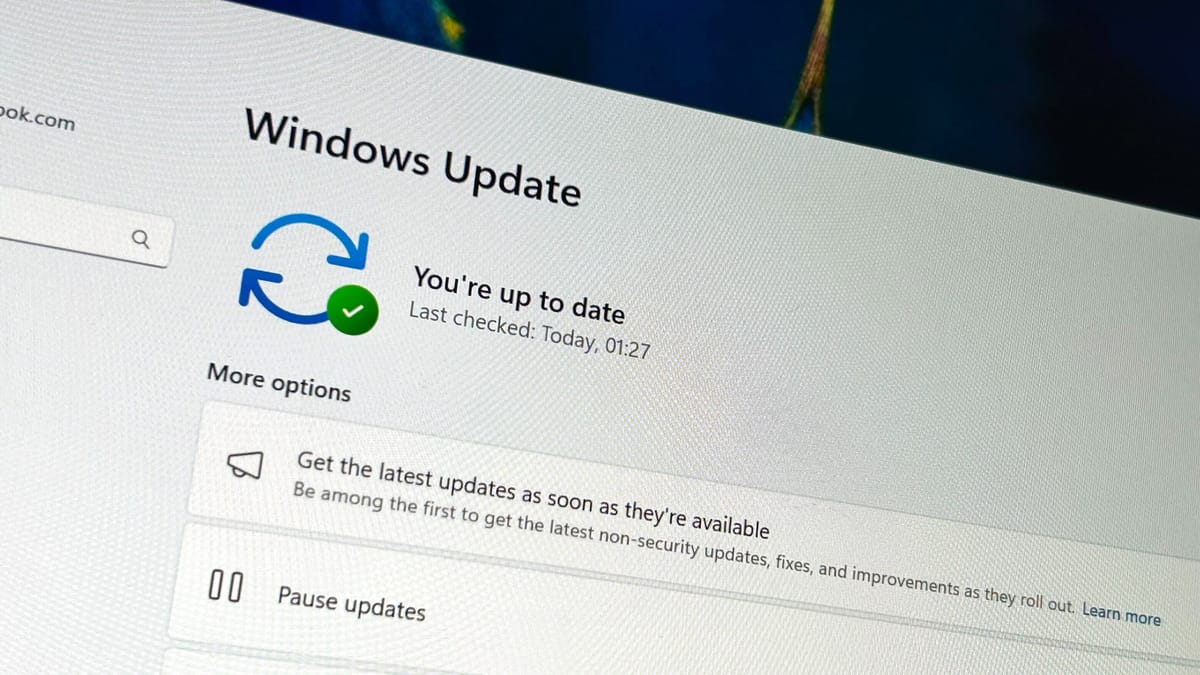
Microsoft released KB5077181 on February 11, 2026, resolving the black screen bug that affected Windows 11 users with Nvidia GPUs since the January 2026 update. The mandatory security patch addresses display failures where screens would go black for several seconds or freeze entirely, particularly on systems with Nvidia RTX graphics cards.
What Went Wrong in January
The January KB5074109 update introduced multiple critical issues beyond the display bug. Users reported performance drops in games, explorer.exe crashes, and boot failures severe enough that Nvidia reportedly advised some customers to uninstall the Windows update entirely. The black screen problem primarily affected multi-monitor setups and systems under graphics load, causing disruptions for gamers, content creators, and professionals using GPU-accelerated applications.
The root cause stemmed from compatibility issues between Windows 11’s graphics driver management and Nvidia’s driver stack. When the system attempted to switch power states or adjust display configurations, a timing conflict would cause the display driver to temporarily fail, resulting in black screens lasting 3-10 seconds before recovery.
KB5077181 Addresses Multiple Problems
The February update patches 58 security vulnerabilities while fixing the Nvidia display issue. Microsoft’s release notes confirm the update resolves gaming artifacts and frame rate drops in titles like Forza Horizon 5, along with broader DirectX rendering issues that affected other games using hardware-accelerated graphics.
The fix modifies how Windows handles driver state transitions during power management and display configuration changes. Systems running KB5077181 should show build number 26200.7840 or higher after installation. The update installs automatically through Windows Update as a mandatory security patch, though users can download it manually from the Microsoft Update Catalog if needed.
Nvidia Driver Updates Still Required
While KB5077181 contains the primary fix, Nvidia has released updated drivers that complement the Windows patch. Users should download the latest GeForce drivers from the official Nvidia page to ensure full compatibility. The driver updates include optimizations for the corrected Windows graphics pipeline and address edge cases where older driver versions might still trigger display issues.
Impact on System Stability
The black screen bug affected Windows 11 22H2 and 23H2 users running Nvidia GPUs from the RTX 20-series through current RTX 50-series cards. Systems with multiple monitors, high refresh rate displays, or variable refresh rate (G-Sync) configurations experienced the problem most frequently. The issue also appeared during GPU-intensive tasks like gaming, video rendering, and 3D modeling, where driver state changes occur more often.
For users who avoided the January update or rolled it back, KB5077181 represents the first safe path forward to receive security patches without display instability. The cumulative update includes all fixes from KB5074109 except the problematic graphics driver handling code, allowing systems to remain current on security updates.
What This Means for Users
The fix eliminates the need for workarounds like disabling hardware acceleration, running older driver versions, or uninstalling Windows updates. Users who experienced random black screens, system freezes, or game crashes related to graphics rendering can now update with confidence that stability has been restored.
Microsoft’s testing apparently missed the Nvidia compatibility issue during the January update’s validation cycle, highlighting ongoing challenges in testing OS updates against the wide variety of hardware configurations in production systems. The rapid turnaround from widespread reports to a comprehensive fix suggests Microsoft prioritized the issue given its impact on gaming and professional workflows.
Follow us on Bluesky , LinkedIn , and X to Get Instant Updates