
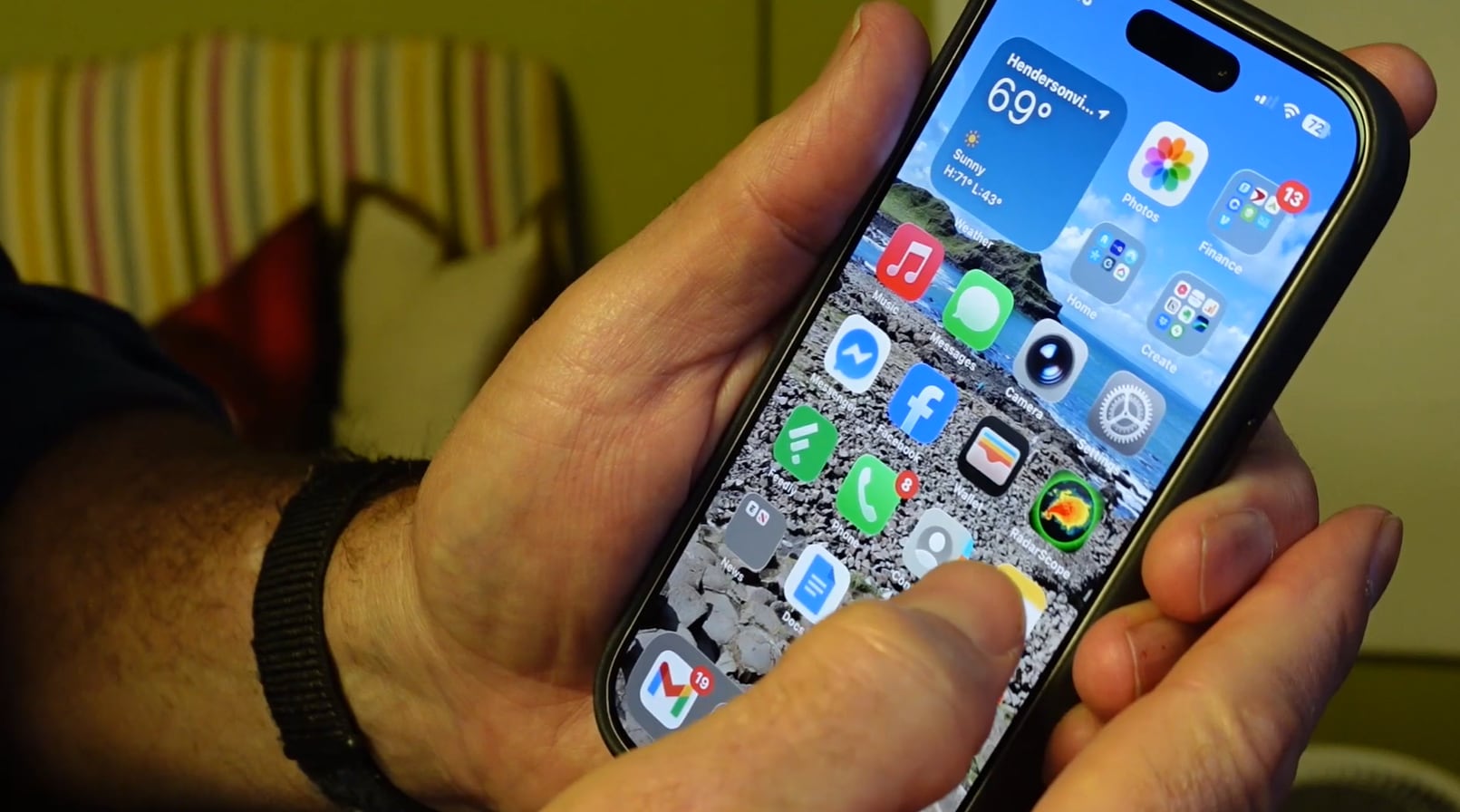
Apple is automatically enabling Stolen Device Protection on iPhones through the latest software update, a security feature designed to prevent thieves from accessing accounts and personal information on stolen devices. The activation occurs without user intervention, marking a shift in how the company handles device security by default.
Apple has activated Stolen Device Protection as an automatic security measure across compatible iPhones. Previously available as an optional feature, the protection now engages by default when users update to the latest iPhone software version – iOS 26.4. The feature was introduced to address a documented pattern of theft-related account compromises.
Stolen Device Protection creates additional security barriers that prevent unauthorized access to sensitive account functions on compromised devices. When activated, the feature requires facial recognition or fingerprint authentication before allowing changes to critical settings, even if a thief possesses the device’s passcode.
The protection specifically blocks unauthorized attempts to remove the device from an owner’s Apple account, change Apple ID passwords, or initiate payment-related transactions. According to Apple‘s security documentation, these restrictions require the device owner to authenticate using biometric verification from a trusted location, such as the user’s home address on file with the company.
Stolen iPhones have become targets for coordinated theft rings that exploit account access to extort personal information from victims. Thieves send fraudulent messages impersonating Apple support, threatening to sell devices and personal data unless users remove them from their accounts. Apple‘s automatic activation prevents this common attack vector by making account removal impossible without biometric verification on the stolen device itself.
The automatic rollout eliminates the gap where users who were unaware of the feature remained vulnerable. By making protection the default rather than an opt-in choice, Apple ensures broader coverage across its user base without requiring individual configuration.
Users should verify the feature is active on their devices through Settings:
Settings → Face ID & Passcode → Stolen Device Protection
And, also ensure their biometric data is current.
Follow Hashlytics on Bluesky, LinkedIn , Telegram and X to Get Instant Updates