Availability
| User Type | Access Status |
|---|---|
| Pro Users | ✅ Rolling out now |
| Free Users | 🔜 Coming in weeks |
How To Create Your LinkedIn Infographic
Here’s how to transform your LinkedIn profile into a stunning visual:
- Go to LinkedIn and navigate to your profile
- Download your profile as a PDF (Click
More
→Save to PDF
) - Upload the PDF as a source in NotebookLM on web
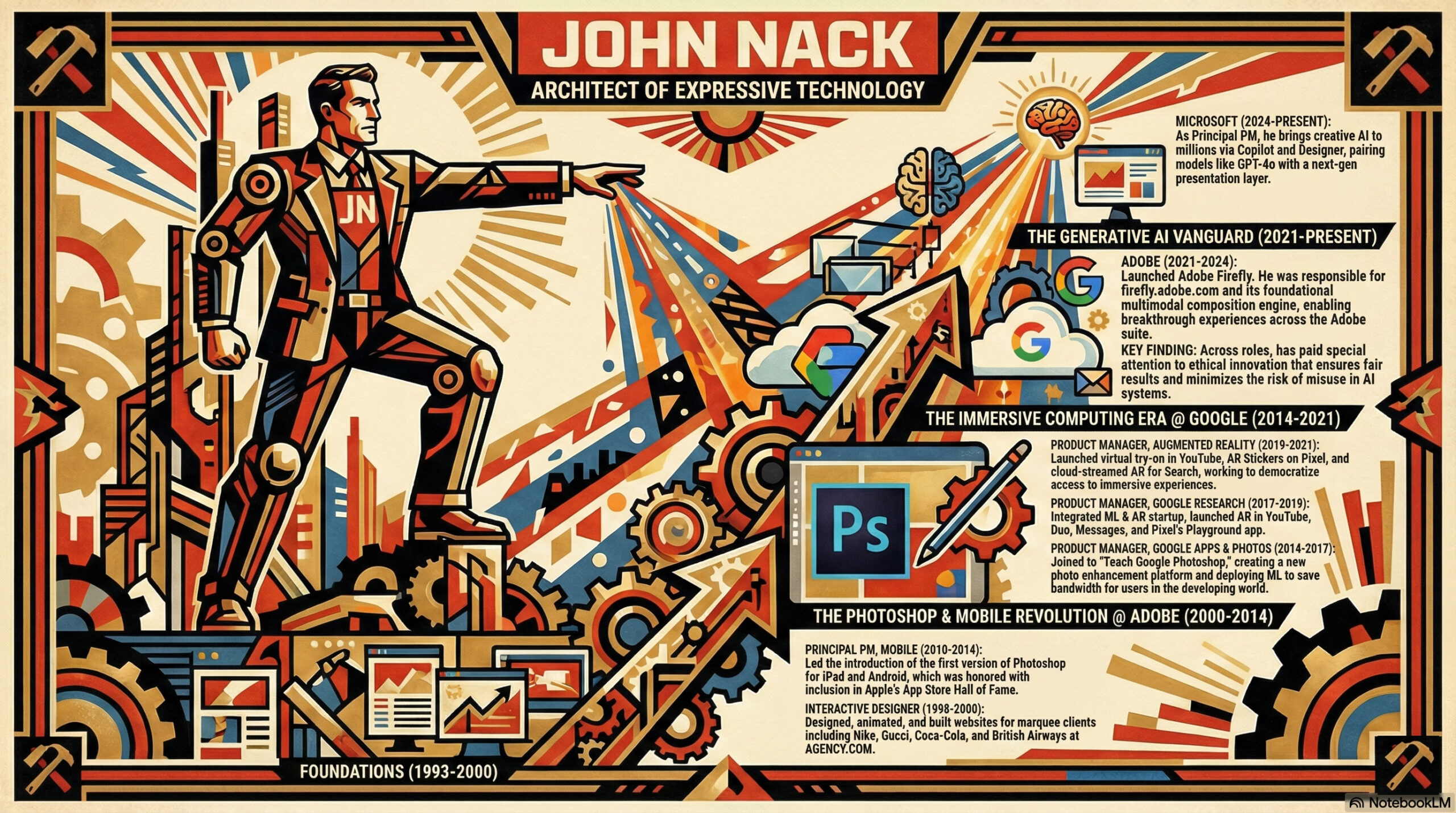
- Click the Infographic pencil and add customizations (e.g., “country and western theme”)
- Generate!
That’s it. One-shot infographics powered by Nano Banana Pro.
Why This Matters
The feature eliminates the traditional workflow friction of switching between research tools and design platforms like Canva or Piktochart. NotebookLM now handles the entire knowledge lifecycle: acquisition, synthesis, understanding, and visual communication.
Key Capabilities
- Customizable Themes: Add personality with custom style prompts
- Source-Grounded: Visuals pull directly from your uploaded documents
- Multi-Format Support: Works with PDFs, documents, and other sources
- No Design Skills Required: AI handles layout and visual hierarchy
The Bigger Picture
Visual information is processed 60,000 times faster than text. With Infographics joining Audio Overviews, Mind Maps, and now Slide Decks, NotebookLM delivers one source transformed into multiple communication formats—zero additional tools required.