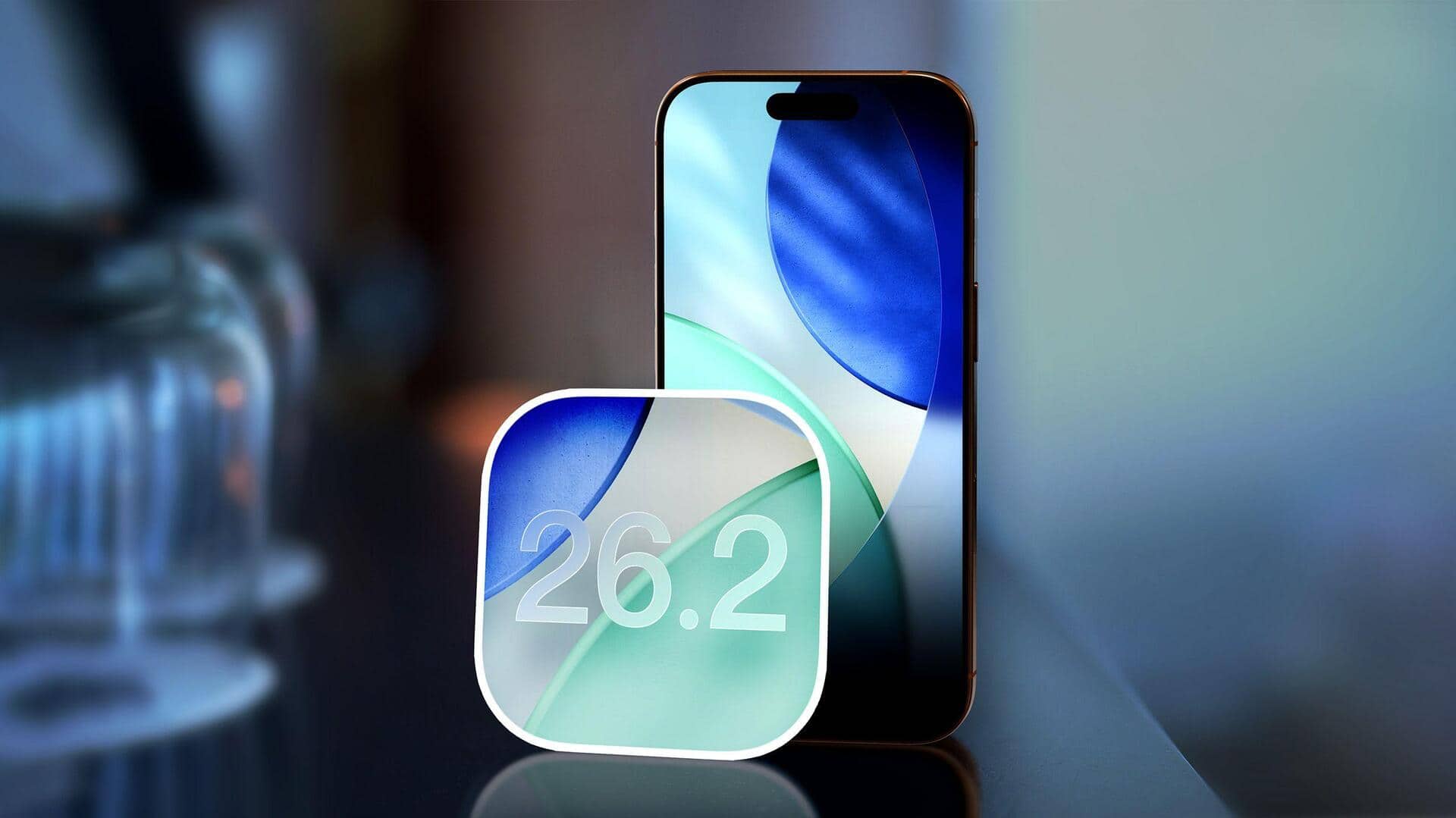
The annual iOS update cycle continues with the expected arrival of iOS 26.2 this December. While not a radical overhaul, this update focuses on refining and enhancing the core user experience with a series of targeted improvements.
iOS 26.2 introduces new customization options for the lock screen and improvements to the AirDrop file-sharing functionality.
Lock Screen Customization
Users can expect further personalization options for their lock screen. The update features a “Liquid Glass” slider, which offers new aesthetic options for the clock’s appearance.
AirDrop Improvements
AirDrop receives updates to streamline file sharing. The update introduces a mechanism to share files with nearby users without needing to exchange contact information. For quick, ad-hoc transfers, Apple is implementing a one-time AirDrop code, granting sharing privileges for a 30-day period.
Several of Apple’s core apps are receiving updates in iOS 26.2, including Apple Music, the Sleep feature, and the Podcasts app.
Apple Music
Apple Music users will gain access to offline lyrics. This long-awaited feature allows users to view song lyrics even without an active internet connection.
Sleep Score Refinement
The Sleep Score feature is being refined to provide more accurate assessments. Apple is adjusting the internal ranges to “better reflect how people feel after a night’s sleep.”
Podcast Paradise
The Podcasts app is gaining several new features designed to enhance the listening experience. These enhancements are intended to make navigating the podcasting landscape more streamlined.
Podcast App Updates
- Automatically generated chapters to easily navigate episodes.
- Mentions of other podcasts within transcripts, expanding discovery.
- Links to mentioned content directly on episode pages for seamless access.
iOS 26.2 includes updates focused on enhancing user security and privacy, particularly within the Passwords app and through enhanced safety features.
Password Management
The Passwords app is receiving an update that allows users to manage websites where passwords are not saved during sign-in. This provides greater control over password storage and prevents unwanted auto-saving on shared devices.
Enhanced Safety Features
Apple is expanding its commitment to user safety with improvements to accessibility and alert systems.
Accessibility Improvements
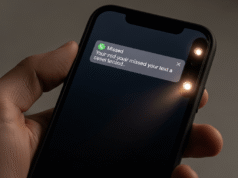
The “Flash for Alerts” feature now includes the option to flash the screen in addition to the LED on the back of the iPhone. This provides an alternative alert method for users with specific accessibility needs.
Enhanced Safety Alerts
A new “Enhanced Safety Alerts” section has been added to the Notifications settings. This section gives users granular control over earthquake alerts, imminent threat alerts, and improved alert delivery based on their current location. These upgrades demonstrate Apple’s dedication to user safety in both the digital and physical worlds.
While iOS 26.2 may not introduce groundbreaking changes, it signifies a continuous refinement of the iPhone experience. By focusing on key areas like usability, accessibility, and security, Apple aims to maintain user engagement and loyalty. The update is expected to be released in mid-December.