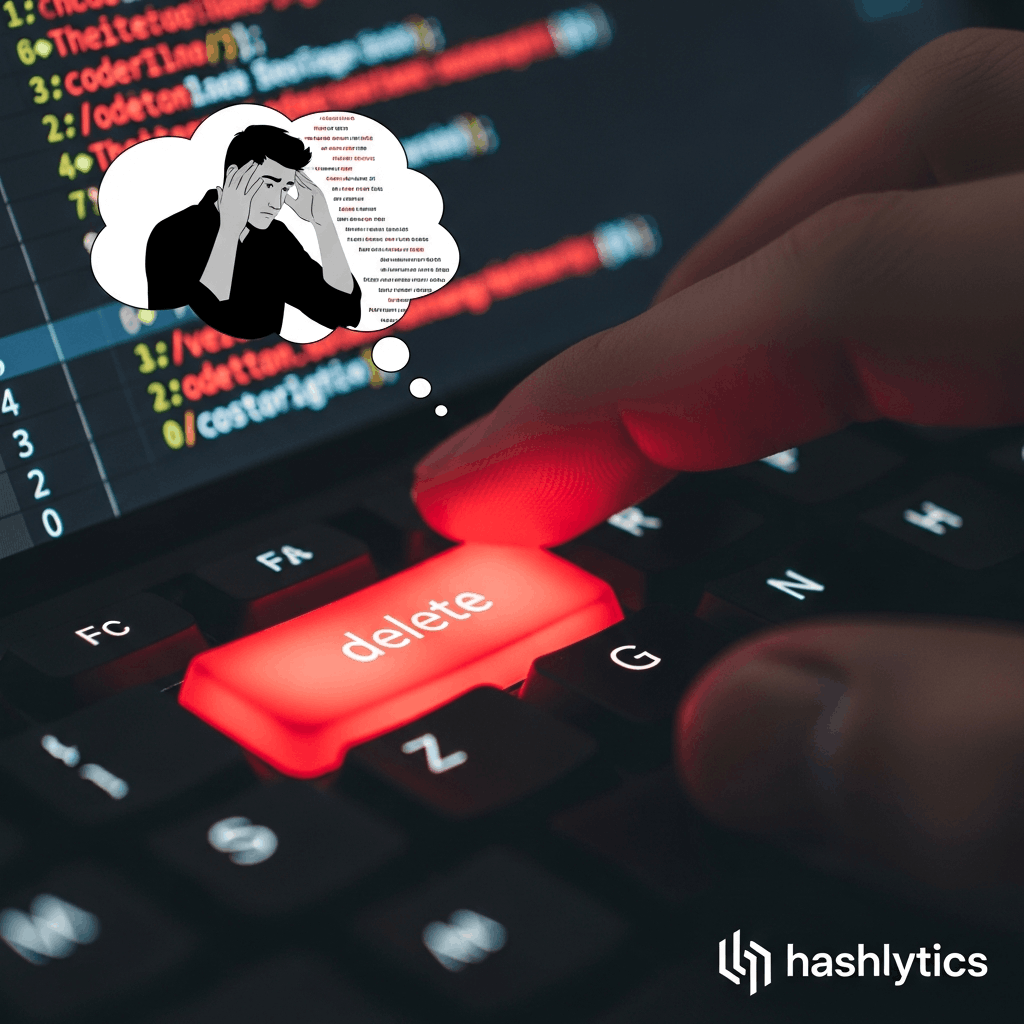
rm -rf commands. Three complementary protection strategies emerged from the developer community — CLAUDE.md instructions, hard permission denials, and PreToolUse hooks that block dangerous commands before execution.
The Three-Layer Defense Strategy
Security-conscious developers recommend layering protections rather than relying on any single method. According to Claude Code’s official documentation, hooks provide deterministic control that works even when the AI misinterprets instructions. Developer Zac Caceres shared an open-source hook implementation that blocks destructive patterns while directing Claude to use the safer trash command instead.
| Protection Method | Effectiveness | Implementation |
|---|---|---|
| CLAUDE.md instructions | Moderate (AI may disobey) | Add rules file to project |
| Permission denials | High (blocks at settings level) | Edit settings.local.json |
| PreToolUse hooks | Highest (code-level enforcement) | Install executable hook |
Step 1: Install the Trash CLI
The trash command moves files to your system’s trash bin rather than permanently deleting them, maintaining macOS’s native “put back” functionality. On macOS 15 and later, a built-in trash command exists, but the Homebrew version offers additional features like interactive mode.
Install via Homebrew:
brew install trashThe trash utility from Ali Rantakari’s project integrates with Finder to ensure deleted files appear in the trash with their original paths preserved. This means you can recover accidentally deleted project folders with their complete directory structure intact — something impossible with rm -rf.
Step 2: Create CLAUDE.md Instructions
Add a CLAUDE.md file to your project root (or ~/.claude/CLAUDE.md for global rules) with deletion policies. While this alone won’t guarantee compliance, it establishes your intent:
## REQUIRED

- **NEVER use `rm -rf`** - it's blocked by the command-validator hook for safety
- Use `trash` instead: `trash folder-name` or `trash file.txt`
  - Works exactly like `rm -rf` but moves to Trash instead of permanent deletion
As multiple developers noted in discussions, Claude will sometimes ignore CLAUDE.md directives under complex scenarios or when context windows grow large. This is why CLAUDE.md should never be your only protection layer.
Step 3: Configure Hard Permission Denials
Edit .claude/settings.local.json (personal settings, gitignored) or ~/.claude.json (global settings) to block destructive commands at the permission level:
{
  "permissions": {
    "deny": [
      "Bash(rm:*)",
      "Bash(rm -rf:*)",
      "Bash(rmdir:*)",
      "Bash(unlink:*)"
    ]
  }
}
According to Anthropic’s permission documentation, deny rules take precedence over all other permission settings. Even if you’re running with --dangerously-skip-permissions, deny rules should still block these specific patterns.
Step 4: Install the PreToolUse Hook (Recommended)
The most robust protection comes from a PreToolUse hook that examines every Bash command before execution. Caceres’s claude-rm-rf hook blocks 34 different destructive patterns while allowing safe operations like git rm and quoted strings.
Installation Process
Install Bun runtime (if not already installed):
curl -fsSL https://bun.sh/install | bashClone and install the hook:
git clone https://github.com/zcaceres/claude-rm-rf.git
cd claude-rm-rf
bun install
Add to your .claude/settings.json (project-level) or ~/.claude/settings.json (user-level):
{
  "hooks": {
    "PreToolUse": [
      {
        "matcher": "Bash",
        "hooks": [
          {
            "type": "command",
            "command": "bun run /absolute/path/to/claude-rm-rf/src/index.ts"
          }
        ]
      }
    ]
  }
}
Replace /absolute/path/to/ with the actual installation path. You can also use $CLAUDE_PROJECT_DIR if you’ve cloned the hook into your project’s .claude/hooks directory.
What the Hook Blocks
The hook detects destructive commands through pattern matching, including bypass attempts that might fool simpler filters. It blocks direct invocations like rm file.txt, path variants like /bin/rm or ./rm, shell escape attempts like \rm or command rm, privilege escalation via sudo rm or xargs rm, subshell execution like sh -c "rm file", and find operations using -delete or -exec rm.
Importantly, the hook strips quoted strings before analysis, preventing false positives from legitimate uses like git commit -m "rm old file" or echo 'rm test'. This smart detection allows git rm to function normally since Git tracks deletions and enables recovery.
Alternative Hook Approaches
Several developers shared variations on the hook approach. The ClaudeFast Permission Hook uses an LLM (GPT-4o-mini via OpenRouter) to make context-aware decisions about ambiguous operations while hard-blocking obviously destructive patterns. This hybrid approach auto-approves safe operations, evaluates uncertain commands through AI analysis with decision caching, and maintains hard-coded blocks for catastrophic operations like rm -rf / or mkfs.
Developer Korny documented a Rust-based permission hook using TOML configuration files for pattern matching. The Rust implementation offers single-digit millisecond execution times even on complex patterns, configuration hot-reloading without restarting Claude Code, and regex-based matching for flexible rule definition.
Why Hooks Beat CLAUDE.md Alone
Developer discussions revealed that CLAUDE.md instructions become less reliable as conversations grow longer or complexity increases. As one developer explained regarding swiftlint violations, using a stop hook that fires on violations works better than token-heavy instructions because Claude learns to write code that fits the constraints through in-context learning.
Hooks convert suggestions into app-level enforcement that executes deterministically every time. According to the hooks reference documentation, PreToolUse hooks can exit with code 2 to block operations and provide Claude with feedback about what to do differently—essentially teaching the AI through immediate, consistent feedback rather than hoping it remembers instructions.
Testing Your Protection
After implementing these safeguards, verify they work by asking Claude to perform a destructive operation in a test directory. The hook should block the command and suggest using trash instead, permission denials should prevent the operation even if the hook failed, and CLAUDE.md should guide Claude toward safer alternatives in its initial planning.
Create a test scenario:
mkdir -p /tmp/claude-test/nested/folders
touch /tmp/claude-test/test-file.txt
# Then ask Claude: "Delete the /tmp/claude-test directory"
A properly configured system should refuse the rm -rf command and suggest trash /tmp/claude-test instead.
Recovery Options
The trash command preserves your standard macOS trash recovery workflow. Files moved via trash appear in Finder’s trash with their original paths, can be restored via “Put Back” in Finder, and remain in trash until you empty it manually. The trash-cli package offers additional recovery commands like trash-restore for command-line recovery.
Some developers questioned whether trash maintains folder structure for complex projects. According to the documentation, the brew version of trash uses the macOS Finder API, which preserves complete directory hierarchies in the trash. You can verify this by trashing a nested folder structure and examining it in Finder’s trash view.
When You Actually Need rm
Developers debated whether to alias rm to trash globally. The consensus suggests keeping rm available via /bin/rm for cases where permanent deletion is genuinely required, such as clearing temporary build artifacts in CI/CD pipelines, removing sensitive data that shouldn’t persist in trash, or working with extremely large files where trash would consume excessive disk space.
The hook approach allows legitimate rm use when truly necessary while preventing accidental catastrophic deletions during normal development.
Follow us on Bluesky, LinkedIn, and X to Get Instant Updates