Part of Samsung’s acclaimed Good Lock family, RegiStar is a customization powerhouse. It allows you to tweak everything from the Settings menu layout to the behavior of physical buttons. Think of it as the Swiss Army knife for your Samsung phone, letting you tailor the device to your exact needs.
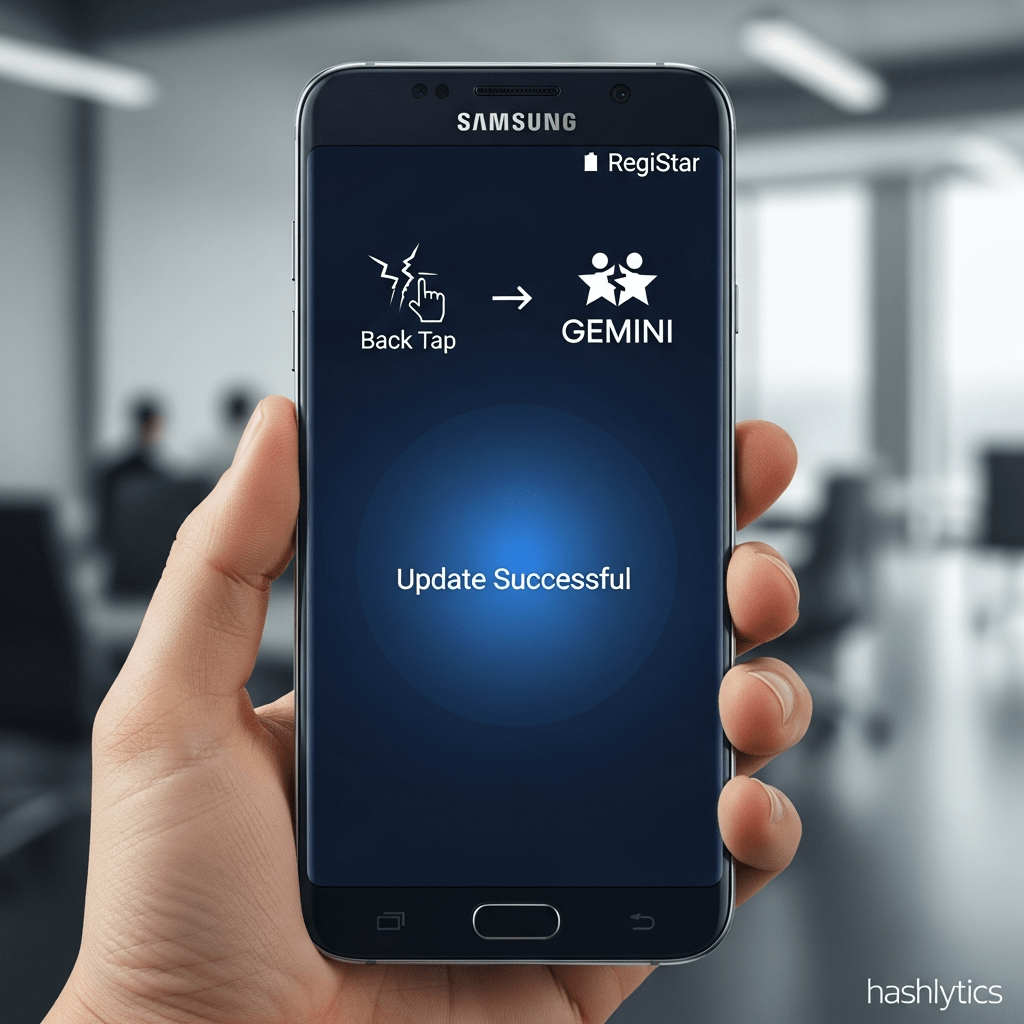
Beyond simple aesthetics, RegiStar empowers you to remap the Side Key and, crucially, configure the Back Tap feature. This means you can launch frequently used apps or execute actions like taking screenshots with a simple double or triple tap on the phone’s rear panel.
The latest RegiStar update isn’t about flashy new features; it’s about ironing out wrinkles and enhancing reliability. One of the most notable fixes addresses a frustrating issue for Galaxy Z Flip users: the inability to launch the Gemini app directly from the cover screen. This glitch has now been resolved, allowing seamless access to Google’s AI assistant.
But the improvements don’t stop there. The update also brings a much-needed stability patch to the Back Tap feature. Users can now expect a more consistent and responsive experience when triggering actions with back taps. The option to pause Back Tap when Power Saving Mode is active has also been refined, resolving previous inconsistencies.
In short, this update tackles real-world usability issues that directly impact how users interact with their devices daily.
Ready to experience the enhanced Back Tap and Gemini fix? Getting the latest version of RegiStar is straightforward. Simply open the Good Lock app on your Samsung device and navigate to the Plugins tab. Locate RegiStar and tap the update button. Alternatively, you can head directly to the Galaxy Store to download the update.
While you’re there, check out the other Good Lock modules to unlock even more customization options.
Samsung’s commitment to refining the user experience through tools like RegiStar highlights a growing trend: empowering users to personalize their devices beyond basic settings. As mobile operating systems mature, expect to see even more sophisticated customization options emerge, blurring the lines between stock Android and truly personalized mobile environments. The era of the cookie-cutter smartphone is fading; the future belongs to those who dare to tweak.