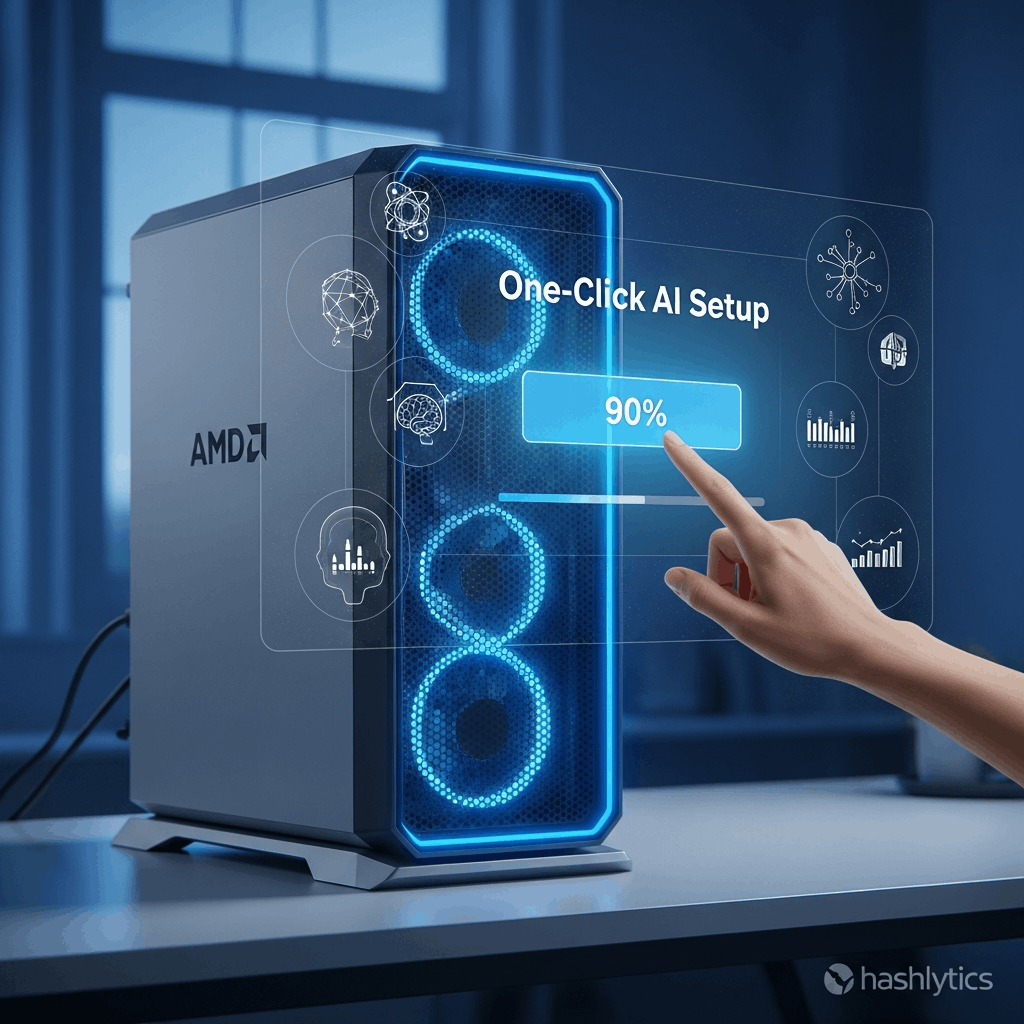
The streamlined package targets the persistent frustration where AMD GPU owners spend hours troubleshooting GPU-specific driver combinations just to run basic AI workloads. However, AMD’s history of architecture-specific PyTorch builds — requiring different installation commands for gfx1100 (RX 7000), gfx1150 (RX 9000), and gfx94X (Ryzen AI) — raises questions about whether this “one-size-fits-all” approach actually works or simply hides the same compatibility chaos behind a friendly installer.
What’s Actually in the AI Bundle
The Adrenalin 26.1.1 driver package includes three core components announced at CES 2026. First, ROCm 7.2 runtime libraries bringing Windows and Linux compatibility across Radeon GPUs and Ryzen AI NPUs. Second, official PyTorch builds for Windows that previously required manual installation from AMD’s wheel repositories with architecture-specific index URLs. Third, pre-configured image generation applications like ComfyUI that tap into ROCm-accelerated inference without users needing to understand CUDA alternatives or tensor layouts.
| Component | Before AI Bundle | After AI Bundle |
|---|---|---|
| ROCm Installation | Manual wheel installation from repo.radeon.com | One-click Adrenalin driver checkbox |
| PyTorch Setup | Architecture-specific pip commands (gfx1100/1150/94X) | Bundled with correct GPU detection |
| ComfyUI Integration | Requires Adrenalin 25.20.01.17 + manual config | Pre-configured, ready to run |
| WSL 2 Support | RX 9000/Radeon AI PRO only (manual setup) | Included where hardware supports |
The GPU Architecture Fragmentation Problem
AMD’s ROCm documentation reveals why skepticism is warranted. PyTorch installation currently requires users to identify their GPU architecture code and use the corresponding wheel repository — gfx1151 for RX 9070, gfx1150 for RX 9060, gfx1100 for RX 7900 XTX, gfx94X for Ryzen AI Max+. Each architecture needs different compiled binaries because ROCm’s low-level optimizations target specific instruction sets and memory hierarchies that vary across RDNA 3, RDNA 4, and CDNA silicon.
The AI Bundle’s promise to “eliminate complex configurations” implicitly claims it handles this detection automatically. If successful, the installer identifies your GPU, selects the correct PyTorch variant, and configures paths without user intervention. If AMD took shortcuts — say, installing a generic build that works poorly across architectures or requiring users to manually select GPU families during setup—then the bundle simply moves complexity from command-line pip commands to a checkbox menu, solving nothing.
Historical ROCm Reliability Issues
ROCm’s track record on consumer GPUs remains inconsistent despite AMD claiming “up to five times improvement in AI performance” and “tenfold increase in downloads year-over-year” throughout 2025. Community forums document persistent issues: RX 6000 series GPUs often require workarounds to enable ROCm despite official support claims, Windows installations frequently fail silently with cryptic error codes, and PyTorch models that run flawlessly on NVIDIA hardware crash or produce incorrect outputs on equivalent AMD silicon due to tensor operation differences.
The January 21 launch coincides with ROCm 7.2’s official release, which AMD positions as a major stability milestone. Previous major ROCm versions introduced regressions—5.0 broke compatibility with certain RX 6000 GPUs, 6.0 changed Python package structures causing widespread script failures. Whether 7.2 truly stabilizes the platform or introduces new breakage patterns won’t be clear until the community stress-tests real workloads beyond AMD’s curated demonstrations.
Follow us on Bluesky, LinkedIn, and X to Get Instant Updates