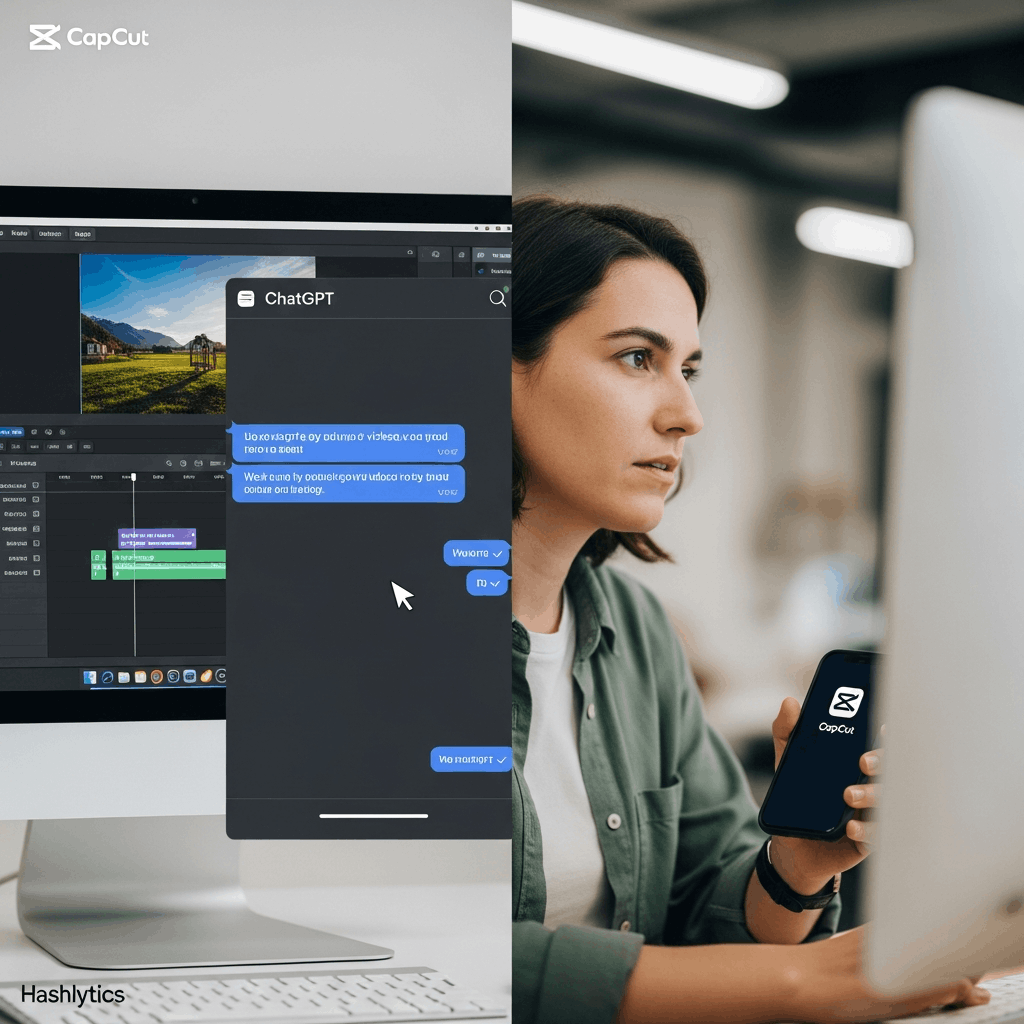
ChatGPT users can now generate and edit videos directly within the platform using CapCut’s integration, eliminating the need for expensive video editing software. This custom GPT transforms text prompts into complete videos with automated voiceovers, transitions, and effects — all accessible through ChatGPT‘s “Explore GPTs” section.
Setting Up CapCut GPT in 3 Steps
Accessing CapCut within ChatGPT requires just three straightforward actions:
- Navigate to ChatGPT.com and log into your account (ChatGPT Plus subscription required for GPT access)
- Click “Explore GPTs” in the left sidebar menu
- Search “CapCut” in the search bar and select the official CapCut GPT from the results
This integration represents a significant shift in democratizing video creation, making professional-quality content accessible without technical expertise.
Core Capabilities: Script Generation and Template Selection
The CapCut GPT operates through two primary workflows. First, users can provide a detailed prompt describing their desired video content — topic, length, style, and target platform (TikTok, Instagram Reels, YouTube Shorts). The GPT generates a complete script with scene descriptions, automatically adding voiceover narration to match the text.
Second, users can search templates by keyword. For instance, entering “travel vlog” returns dozens of pre-designed templates with coordinated transitions, text overlays, and music tracks. This template-based approach enables creators to produce polished 30-60 second videos in approximately 5 minutes, according to CapCut’s documentation.
What This Means for Content Creators
The integration addresses a critical bottleneck in content production: editing time. Traditional video editing requires 45+ minutes just for manual captioning on a single video. CapCut’s AI captions feature generates synchronized subtitles in seconds, as noted in Zebracat’s detailed review.
However, limitations exist. The free version caps exports at 1080p resolution, while CapCut Pro ($9.99/month or $89.99/year) unlocks 4K export, removes watermarks from premium templates, and provides 100GB cloud storage. Additionally, as Quso AI’s comparison highlights, the desktop version lacks some advanced features available in the mobile app, and internet connectivity is required for most AI-powered functions.
When to Upgrade: Decision Framework
| Use Case | Free Version Sufficient? | Pro Version Benefits |
|---|---|---|
| Social media posts (Instagram, TikTok) | Yes | No watermarks on effects |
| Client work or brand content | No | 4K export, premium templates |
| Frequent editing (daily content) | Limited | Priority rendering, cloud backup |
| Long-form YouTube videos | Maybe | Advanced editing tools |
Practical Workflow Example
Creating a promotional video follows this sequence:
- Generate Script: Prompt CapCut GPT with “Create a 30-second script about sustainable fashion for Instagram Reels, upbeat tone”
- Review and Refine: Edit the generated script directly in ChatGPT, adjusting messaging or pacing
- Select Template: Search “fashion” templates and choose one matching your brand aesthetic
- Customize Elements: The GPT automatically matches script to template, adding voiceover, but users can modify background music, text colors, or transition speeds
- Export: Download the completed video (1080p free, 4K with Pro)
Troubleshooting Common Issues
Voiceover Synchronization: If audio doesn’t align with visuals, regenerate the video or manually adjust timing in CapCut’s web editor. The AI beat detection feature sometimes misses by milliseconds on complex edits.
Template Limitations: Premium templates display watermarks in the free version. Workaround: Use CapCut’s vast library of free templates (updated weekly) or create custom animations using the keyframe tool.
Internet Dependency: Most AI features require active connection. For offline editing of longer projects, consider CapCut’s desktop application, which offers more robust offline capabilities.
The Broader Context: AI-Powered Workflows
CapCut’s ChatGPT integration exemplifies a larger trend toward AI-assisted creative workflows. By January 2025, over 3 million custom GPTs have been created according to OpenAI’s GPT Store launch, with video editing representing one of the fastest-growing categories.
This democratization raises questions about content saturation and quality. While barrier to entry has decreased dramatically, distinguishing professional content still requires strategic thinking—understanding platform algorithms, audience psychology, and narrative structure. The tool accelerates execution; strategy remains human-driven.
Follow us on Bluesky, LinkedIn, and X to Get Instant Updates