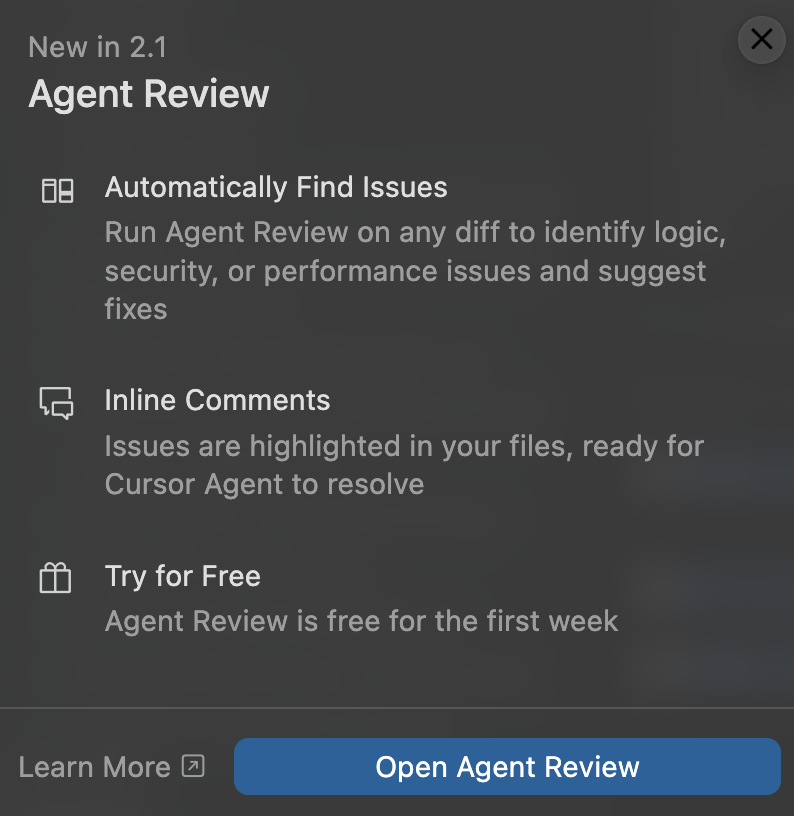
Cursor’s Agent Review feels like a second set of eyes on your codebase. Integrated directly into Cursor, you simply hit a button after making changes. On first run, many users report it catching great edge cases that would otherwise slip through.
The Real Cost Problem
Here’s what Cursor won’t tell you upfront: a single review can consume up to 19 requests. For users on the 500-request Pro plan, that burns through your monthly allocation in just 26 reviews.
| Cost Factor | Reality |
|---|---|
| Average review cost | $0.40–$0.50 |
| Requests per review | 1–19 (varies by complexity) |
| Billing model | Usage-based, counts against plan |
| Free trial | First week only |
As FlexPrice’s analysis notes, Cursor’s June 2025 pricing change caused major community backlash—users exhausted allocations after just a few prompts, especially with Claude models.
Agent Review vs. Bugbot ($40/month)
Confused about which to use? According to Cursor’s team: “You should see very similar results.”
| Feature | Agent Review | Bugbot |
|---|---|---|
| Location | Local (your machine) | Cloud (GitHub) |
| Speed | Faster iteration | Slower, async |
| Fix workflow | Immediate in IDE | Web or “Fix in Cursor” |
| Cost | Uses plan requests | $40/month for 200 PRs |
Cost-Cutting Strategies
Don’t let Agent Review drain your budget. Here’s how to maximize value:
- Batch your changes: Review larger changesets less frequently instead of micro-reviews
- Use Auto mode: Unlimited on Pro/Ultra—switch to Auto for routine checks
- Reserve premium models: Use Sonnet/Opus only for complex reviews; Gemini costs ~60% less per request
- Set spend caps: Enable limits in settings to avoid surprise overages
- Build your own: Some developers created CodeBot alternatives using Claude Code Actions for ~$100/month unlimited