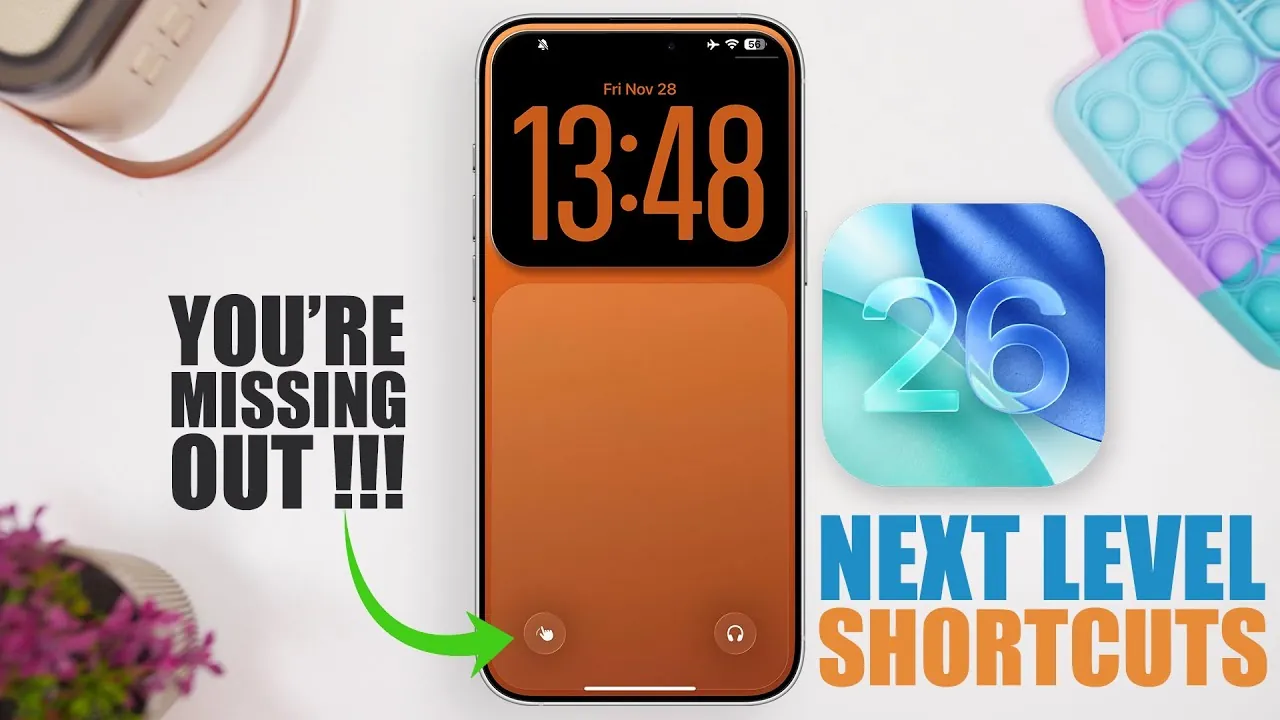
Apple‘s upcoming iOS 26.4 is set to significantly enhance iPhone productivity through a suite of intelligent shortcuts designed to automate tasks, improve efficiency, and simplify the user experience. This release emphasizes seamless integration and empowers users to accomplish more with less effort, transforming the iPhone into a powerful productivity tool.
The core of iOS 26 lies in its advanced shortcut capabilities, which are context-aware automations designed to anticipate user needs and streamline workflows.
Calendar and Time Management
iOS 26 prioritizes time management with an enhanced Calendar Shortcut. This shortcut integrates directly with the user’s schedule and alarm system, proactively setting reminders for meetings, flights, and deadlines. The goal is to provide users with peace of mind by ensuring they are always prepared for upcoming events.
Content Organization: “Save for Later”
To address the common problem of scattered digital content, the “Save for Later” shortcut allows users to easily archive links, videos, and other digital content directly to the Notes app. This feature aims to declutter digital lives and keep essential information readily accessible.
Beyond productivity enhancements, iOS 26 also provides tools for creative expression, enabling users to capture, edit, and share content directly from their iPhones.
Photography and Visual Enhancement
The “Add Portrait Effect” shortcut brings professional-grade photography capabilities to users’ fingertips. With a simple tap, users can adjust background blur to create visually appealing images suitable for social media or personal use, improving the overall quality of mobile photography.
GIF Creation on the Go
The “Convert Burst to GIF” shortcut allows users to transform a series of photos into animated GIFs, perfect for capturing fleeting moments and adding a touch of magic to memories, such as a child’s laughter or a pet’s playful actions.
Audio Management Made Easy
The “Set Audio Output” shortcut streamlines audio transitions by ensuring a smooth and hassle-free experience when connecting to a Mac, Bluetooth speaker, or other devices. Users can create custom shortcuts for different devices, saving time and effort in managing their audio setup.
iOS 26 also incorporates elements of nostalgia and practicality to make everyday tasks more efficient and enjoyable.
The “Time Machine” Shortcut
The “Time Machine” shortcut taps into the power of nostalgia by providing a simple way to revisit meaningful moments and reconnect with cherished memories, allowing users to easily take a trip down memory lane.
The “Flashlight Timer” Shortcut
The “Flashlight Timer” is a small but practical addition that prevents unnecessary battery drain. It allows users to set a timer for the flashlight, ensuring it turns off automatically after a specified duration, making it ideal for reading in bed or navigating in the dark.
iOS 26 also provides tools for monitoring device health and exploring innovative ways to consume content.
“Battery Stats” Shortcut
The “Battery Stats” shortcut offers detailed analytics on the iPhone’s battery health, including the original and current battery capacity. This information helps users make informed decisions about usage and potential replacements, empowering them with knowledge about their device’s battery life.
“Turn Text into Audio” Shortcut
The “Turn Text into Audio” shortcut transforms written content into audio files, providing a hands-free experience. This feature enhances accessibility and convenience for tasks such as creating audio notes, listening to articles, or sharing information. For example, users could convert a lengthy email into a podcast for their commute.
iOS 26 aims to be a significant upgrade for iPhone users. By prioritizing automation, creativity, and accessibility, Apple is empowering users to unlock the full potential of their devices. The impact of these new shortcuts on the app ecosystem remains to be seen, with questions about how developers will respond to this shift towards native functionality.