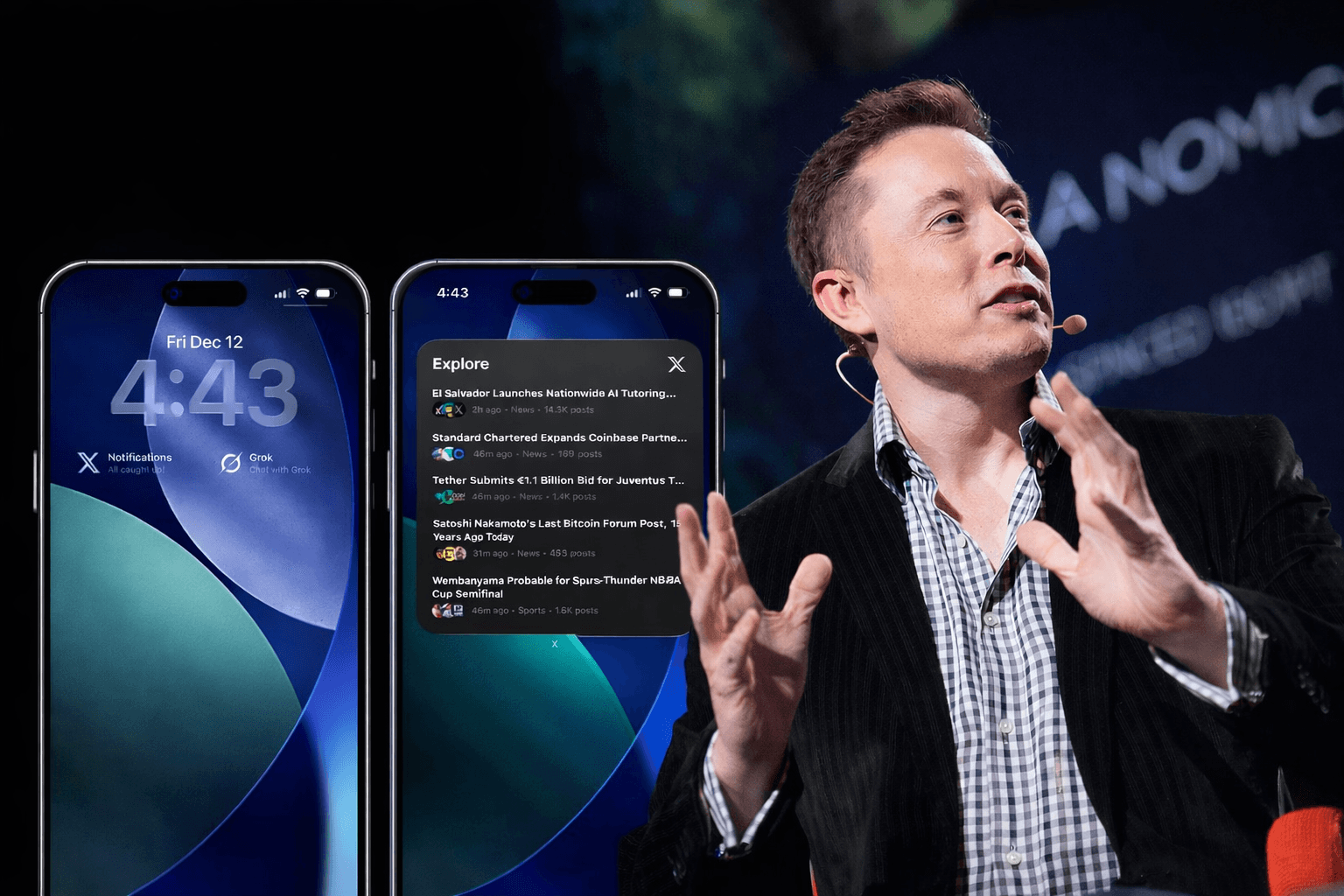
X has rolled out a comprehensive set of widgets for iOS, enhancing user accessibility and offering quick insights without needing to open the main application. These widgets are designed to keep users informed and connected, providing a blend of news, personal notifications, and innovative AI features directly on their home and lock screens.
✓ Pros:
- Instant access to trending news and headlines via “X News Highlights”.
- Real-time notification and message counts directly on the Lock Screen.
- Dedicated widgets for Grok AI, enabling quick chat or voice interactions.
- Customizable widget sizes (small, medium, large) for flexible home screen layouts.
✗ Cons:
- The Home Screen widget is limited to “News Highlights” only, lacking a customizable timeline view.
- Long-awaited feature, arriving years after Apple’s initial preview, which might feel late to some users.
- The platform’s reputation for misinformation, as noted by some critics, might impact the perceived reliability of news highlights.
When comparing X’s new widgets to other popular news or social media offerings, the “X News Highlights” widget functions similarly to Apple’s own News widget, providing curated headlines at a glance. However, X differentiates itself significantly with its Lock Screen integration, particularly the dedicated Grok AI widgets for quick chat and voice commands, which is a unique offering among social platforms. While other apps like Facebook or Instagram offer basic notification counts or photo displays, X’s emphasis on real-time trending news and AI interaction positions it as a more dynamic tool for staying informed on current events directly from your home or lock screen, as highlighted by Social Media Today. Apple’s iOS widget system, introduced with iOS 14, allows for diverse integrations, enabling users to personalize their devices with information from various apps.
Initial user feedback, as seen in various tech publications and community discussions, is generally positive regarding the availability of widgets, a feature long requested since its initial tease. However, some users express a desire for more customization options, particularly the ability to display a personal timeline on the home screen rather than just news highlights. Reviews for the X app on the App Store often reflect broader sentiments about the platform’s changes under its current ownership, with mixed opinions on the overall user experience and content quality.
The X App’s iOS widgets are a welcome, if overdue, addition for users deeply integrated into the X ecosystem. If you frequently check X for breaking news, trending topics, or rely on its notification system, these widgets offer genuine convenience, providing information at a glance without diving into the app itself. The inclusion of Grok AI widgets is a forward-thinking move, offering quick access to X’s AI assistant directly from your Lock Screen.
Best for: Users who want immediate access to trending news and X notifications, and those who frequently use or plan to use Grok AI. It’s ideal for staying passively informed throughout the day.
Skip if: You primarily use X for a curated timeline of specific accounts or prefer a less “news-centric” social media experience on your home screen. The lack of a customizable timeline widget might be a dealbreaker for some.
Follow us on Bluesky , LinkedIn , and X to Get Instant Updates