Common Errors and Fixes
| Error | Cause | Fix |
|---|---|---|
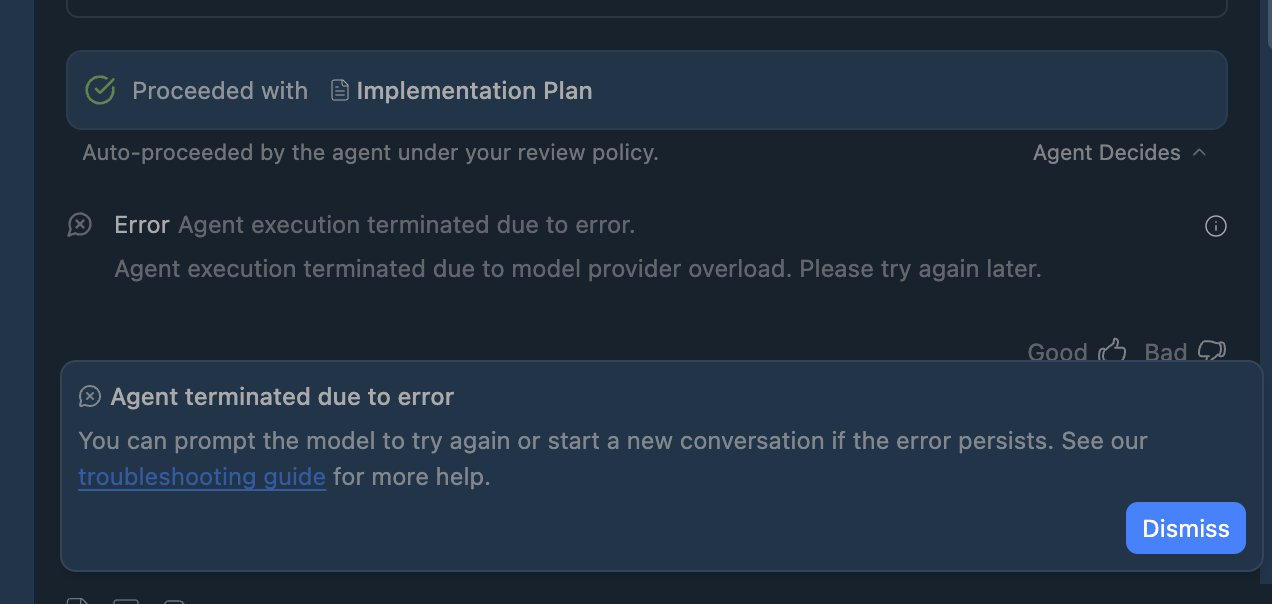
| “Agent terminated due to error” | Model provider overload | Wait 5-15 mins, try off-peak hours |
| “Setting up your account” infinite loop | Server overload / Workspace account | Use personal Gmail, not Workspace |
| “Account not eligible” | Unsupported region | Change Google account region |
| HTTP 429 errors | Too many requests | Wait 2-4 hours, try again |
| Agent errors out after 60 seconds | Task timeout / overload | Type “continue” to resume |
Step-by-Step Fixes
Fix 1: Login Issues (Most Common)
According to a Google Developer Advocate on Stack Overflow:
- Use a personal Gmail account — not Google Workspace
- Sign out of Antigravity completely
- Close the app (Cmd+Q on Mac, File → Exit on Windows)
- Wait 30 seconds, then relaunch
- Log in with your personal Gmail
Fix 2: Region Eligibility Error
If you see “account not eligible for your location”:
- Visit Google’s region change form
- Select a supported region (US, UK, EU, Japan, etc.)
- Submit and wait 4-24 hours for approval
- Log in again after confirmation email
Fix 3: Agent Timeouts and Errors
For the “errors out after 60 seconds” issue:
- Just type “continue”—this often resumes stuck tasks
- Switch to a lighter model: Click model selector → choose “Gemini 3 Pro (Standard)” instead of High
- Try off-peak hours (early morning or late evening)
- Clear cache:
rm -rf ~/Library/Application\ Support/Antigravity/Cache
System Requirements Check
- RAM: Minimum 4GB (8GB recommended)
- Disk: At least 2GB free storage
- CPU: If at 100%, wait for background processes