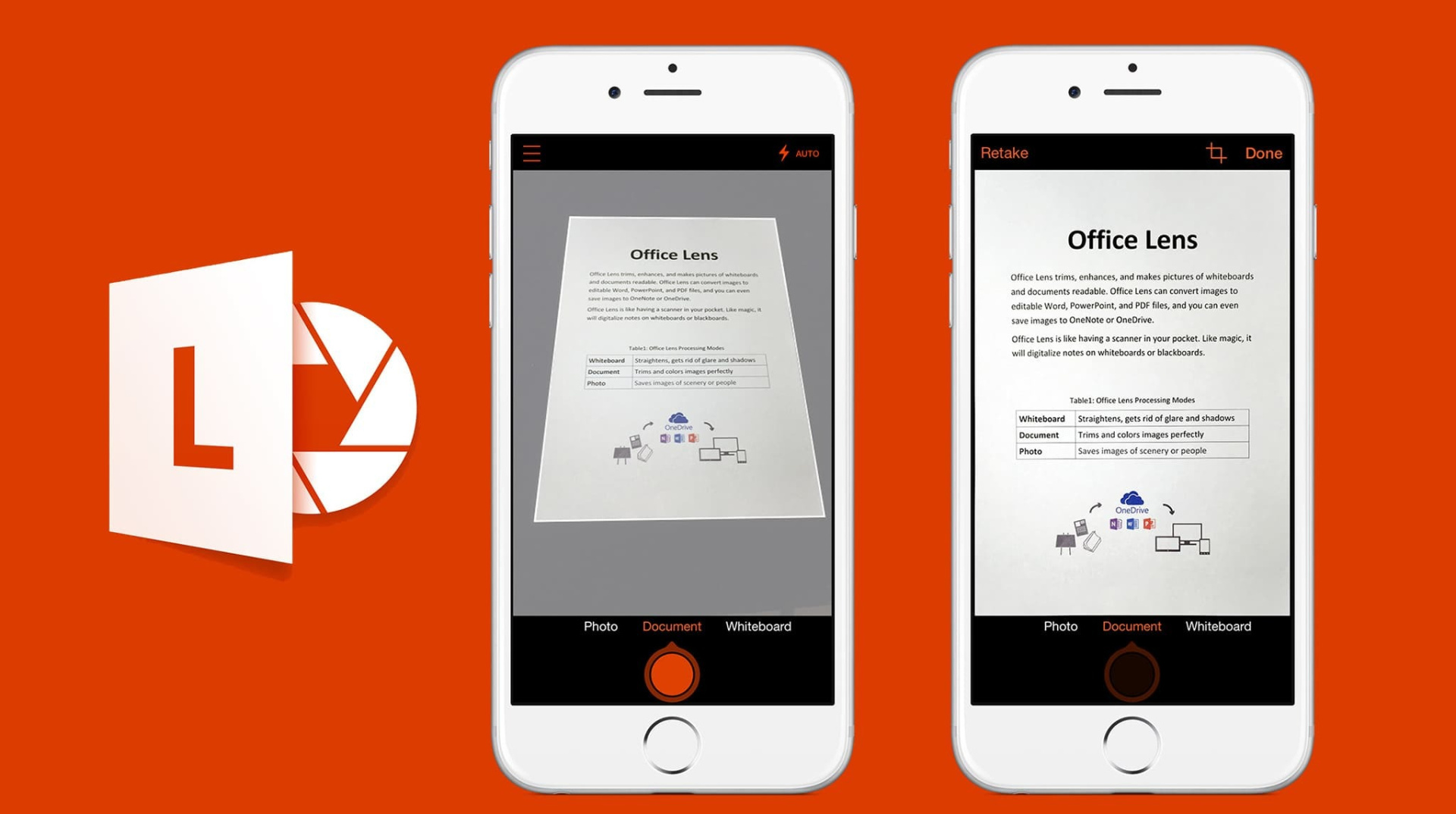
Microsoft initiated the retirement of Microsoft Lens for Android and iOS on . According to reports, the app is slated for removal from the Apple App Store and Google Play Store by , preventing new installations. Subsequently, all backend services supporting the app will be turned off by , rendering users unable to create new scans. Existing scans, however, will remain accessible on devices where the app is already installed and logged into the same Microsoft account. The original Office Lens app was initially launched for Windows Phone in .
Microsoft Lens, formerly Office Lens, allowed users to convert images of documents, receipts, whiteboards, and business cards into digital formats such as PDF, Word, PowerPoint, or OneNote entries. The app was lauded for its simplicity, accuracy, and seamless integration with the Microsoft productivity ecosystem, providing these features without requiring a paid subscription. The app had garnered a significant user base, with over 50 million downloads on the Google Play Store alone and nearly 136,000 ratings on the Apple App Store prior to the discontinuation announcement. Some reports indicate it had been downloaded a total of 92.3 million times since .
Microsoft‘s decision to retire the standalone Lens app is part of a broader strategy to streamline its software portfolio and centralize features within its flagship products, particularly OneDrive and Microsoft 365 Copilot. Industry observers note that this move reflects a trend towards consolidating productivity tools, reducing redundancy by embedding scanning capabilities into larger, integrated platforms. A spokesperson for Microsoft cited in a WebProNews report states that with OneDrive now offering its own built-in document scanner, the company no longer needs to maintain a separate scanning application. This shift also aligns with Microsoft‘s increasing focus on AI and cloud-based tools.
While Microsoft has outlined the phased retirement, the specific financial implications for the company, if any, resulting from the discontinuation of the standalone Lens app have not been disclosed in the provided information. Additionally, detailed user migration statistics to the recommended alternative applications are not yet available.
Users who rely on Microsoft Lens for document scanning are encouraged to transition to alternative Microsoft offerings. Microsoft recommends using the built-in scanning features available within the OneDrive app, which can be accessed via the +
icon. The Microsoft 365 Copilot app is also positioned as an alternative, integrating AI-driven enhancements for document handling. However, some reports indicate that Copilot may not offer all the functionalities previously available in Lens, such as saving directly to OneNote, Word, or PowerPoint, or supporting read-aloud features. Third-party scanning applications also remain an option for users seeking specific features like local file storage.
1. Backup Existing Scans: Users should ensure all critical documents previously scanned with Microsoft Lens are backed up to cloud storage like OneDrive or transferred to other devices before , when new scanning functionality will cease.
- Explore OneDrive Scanning: Familiarize yourselves with the integrated document scanning features within the OneDrive mobile app, as this is Microsoft‘s primary recommended alternative.
- Evaluate Microsoft 365 Copilot: Consider exploring the Microsoft 365 Copilot app for its AI-enhanced document handling capabilities, understanding its potential differences in functionality compared to Lens.
- Research Third-Party Alternatives: If specific features like local storage or advanced OCR are critical, investigate reputable third-party document scanner apps available on the App Store or Google Play Store.
Follow us on Bluesky , LinkedIn , and X to Get Instant Updates