Google has released native desktop mode support for Pixel devices with the Android 16 QPR3 update, rolling out as part of the Pixel Drop. The feature transforms Pixel phones into functional desktop environments when connected to external displays via USB-C.
What’s Available Now
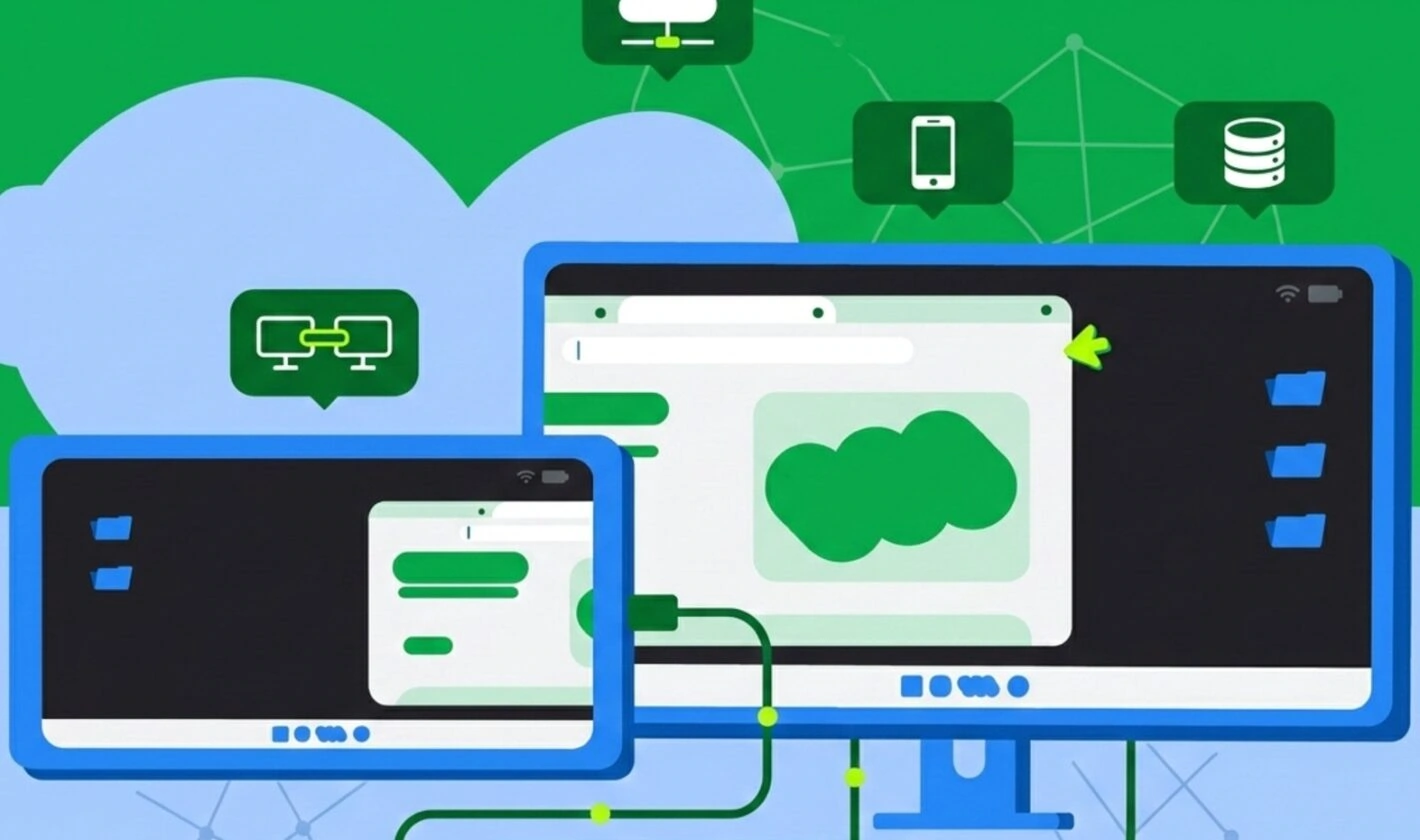
Instead of simple screen mirroring, the update provides a true desktop workspace with a taskbar and resizable, overlapping windows. The feature is currently available for Pixel 8 and newer devices that support DisplayPort over USB-C, including foldables and the Pixel Tablet.
Users can connect their Pixel phone to an external monitor via USB-C cable or adapter, pair a Bluetooth keyboard and mouse, and the external display automatically launches a desktop interface. The phone’s screen remains independent, allowing users to take calls or use other apps simultaneously while working on the monitor.
Technical Requirements
- Software: Android 16 QPR3 update (build number CP1A.260305.016)
- Supported Devices: Pixel 8, 8 Pro, 8a, Fold, 9, 9 Pro, 9 Pro XL, 9 Pro Fold, 9a, 10, 10 Pro, 10 Pro XL, 10 Pro Fold, 10a
- Hardware: USB-C cable or adapter supporting DisplayPort Alt Mode
- Peripherals: External monitor, Bluetooth keyboard and mouse (optional but recommended)
How Desktop Mode Works
When a supported Pixel phone is connected to an external display, a new desktop session initiates on the connected screen. The system provides taskbar integration displaying active applications with the ability to pin frequently used apps. Users can run multiple applications side by side in free-form, resizable windows or maximized view.
For the Pixel Tablet, Google introduced Desktop Windowing, which allows arranging and resizing app windows directly on the tablet’s screen without requiring an external monitor. This extends the desktop experience to tablet users who want desktop-style multitasking on the device itself.
Google developed the connected display feature in collaboration with Samsung, first demonstrated at Google I/O 2025. The March 2026 release finalizes windowing behaviors, taskbar interactions, and compatibility with input devices like keyboards and mice. According to the official Android 16 documentation, the update includes compatibility treatments to scale windows and avoid app restarts when switching displays.
App Compatibility
Not every app is perfectly optimized for desktop layout. Some apps still default to vertical phone view when launched in desktop mode. Apps built with adaptive design principles automatically adopt the desktop look and feel. According to Google’s developer blog, apps that are locked to portrait orientation or assume touch-only interfaces need modernization to properly support the connected display experience.
Samsung users have had similar functionality through Samsung DeX since 2017, but this official integration into Android’s core represents a significant shift. While currently exclusive to newer Pixel devices, this functionality is built into Android itself. As other manufacturers adopt Android 16, similar desktop modes are expected to appear on a wider range of hardware.
The move is part of Google’s broader strategy to eventually merge Android and ChromeOS into a single platform, narrowing the gap between mobile and desktop computing. The update signals a future where the distinction between mobile and desktop platforms continues to fade, offering a more unified computing experience.
Availability
Android 16 QPR3 is rolling out now to all supported Pixel devices globally. Users can check for the update by navigating to Settings → System → Software updates. The update includes the March 2026 security patch, resolving 63 security issues in the 2026-03-01 bulletin and 66 in the 2026-03-05 bulletin, with vulnerabilities ranging from High to Critical severity.
Follow Hashlytics on Bluesky, LinkedIn , Telegram and X to Get Instant Updates