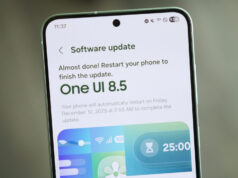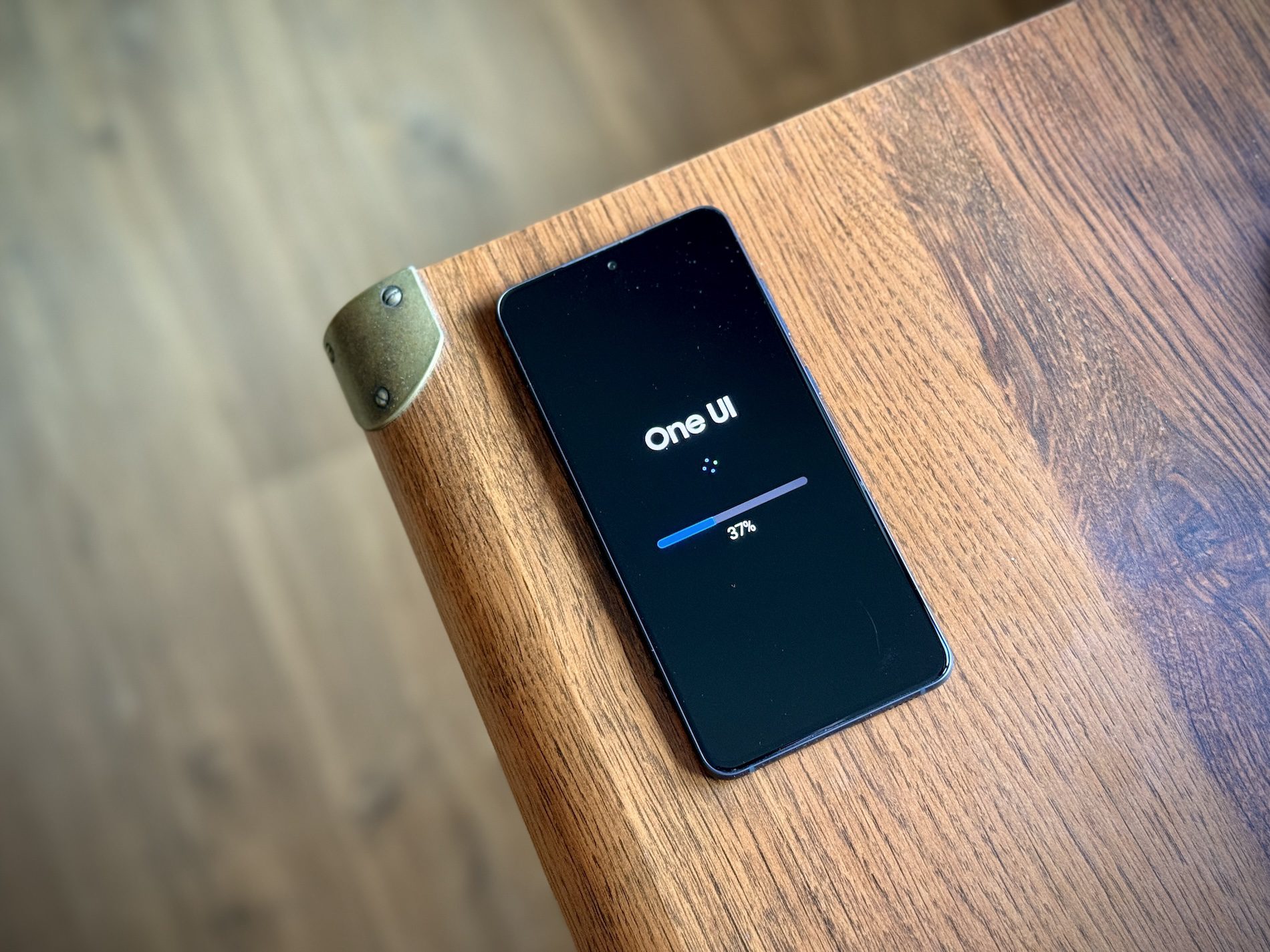
One UI 8.5 Development Underway
Samsung is developing One UI 8.5, scheduled to debut on the Galaxy S26 series in early 2026. Reports suggest a beta program could launch as early as November 2025. The centerpiece of this update appears to be a sophisticated notification management system designed to help users regain control over their attention.
The concept is straightforward: instead of drowning in a flood of alerts from various apps, the system acts as a digital filter, surfacing only the most relevant notifications. This means prioritizing urgent work emails over game achievements, or banking alerts over social media updates.
“Prioritize Notifications” Feature Details
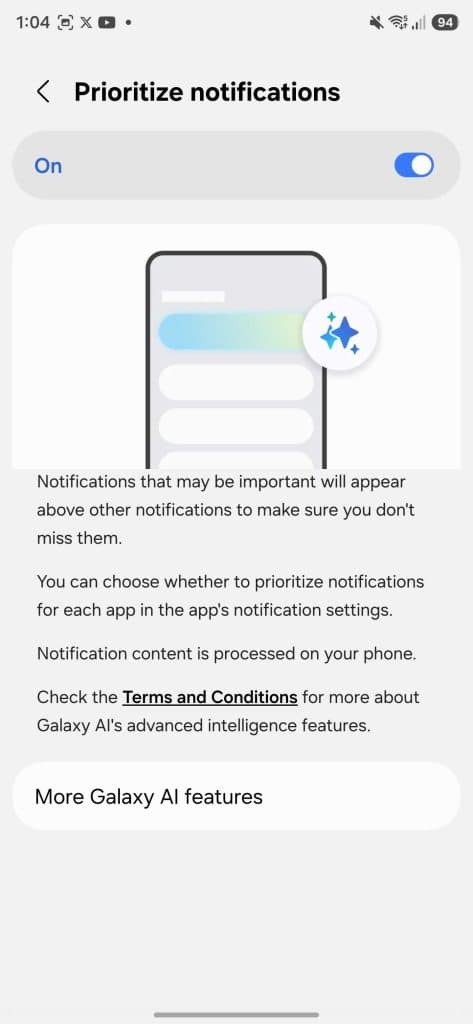
The flagship feature, “Prioritize Notifications,” offers user-controlled alert ranking. According to the official description: “Notifications that may be important will appear above other notifications so you don’t miss them. You can choose whether to prioritize notifications for each app in the app’s notification settings.”
How It Works
Users gain granular control over notification hierarchy on a per-app basis. The practical implications are significant:
- Custom Priority Ranking: Manually designate which apps always appear at the top
- Attention Management: Reduce cognitive load from notification overload
- Critical Alerts Surface: Never miss important messages buried in social media noise
- User-Defined Importance: System respects individual workflow priorities
Privacy-First Processing
A crucial technical detail: notification content analysis happens entirely on-device. Your data isn’t transmitted to cloud servers for processing, providing meaningful privacy and security advantages.
Why On-Device Processing Matters
- Data Privacy: Notification content never leaves your phone
- Speed: No network latency for processing decisions
- Offline Functionality: Prioritization works without internet connection
- Security: Eliminates server-side vulnerability exposure
For security-conscious users, this architectural choice represents a meaningful commitment to privacy that distinguishes Samsung’s approach from cloud-dependent alternatives.
Practical Use Cases
Consider common scenarios where intelligent notification prioritization delivers tangible benefits:
Professional Context
You’re constantly missing time-sensitive emails from Outlook buried beneath app updates and social notifications. With One UI 8.5, you manually elevate Outlook to top priority, ensuring work communications always appear first regardless of arrival time. This simple adjustment can significantly improve workflow efficiency and reduce missed deadlines.
Personal Management
- Banking Alerts: Security notifications and transaction confirmations surface immediately
- Family Messages: Texts from specific contacts always visible
- Calendar Reminders: Appointment alerts never buried
- Delivery Updates: Package tracking notifications prioritized during expected delivery windows
Industry Context
Notification management has become increasingly problematic as app ecosystems expand. The average smartphone user receives dozens to hundreds of notifications daily, creating several challenges:
The Notification Problem
- Alert Fatigue: Users become desensitized to all notifications
- Important Messages Buried: Critical alerts lost in noise
- Context Switching: Constant interruptions reduce productivity
- Binary Choices: Current systems force “all or nothing” notification settings
Samsung’s Solution
One UI 8.5’s approach represents a middle path between notification chaos and overly aggressive filtering that might suppress important alerts. By giving users direct control over priority hierarchies, Samsung addresses the core problem: not all notifications are created equal, and importance varies by individual context.
Broader Implications
This feature suggests a fundamental shift in mobile operating system philosophy. Rather than treating all notifications as equivalent or relying purely on algorithmic prediction of importance, Samsung acknowledges that users understand their own priorities better than any algorithm.
Potential Industry Impact
If successful, One UI 8.5’s notification prioritization could influence how all operating systems handle the notification challenge. The combination of user control with on-device processing might establish a new standard for attention management on smartphones.
What Remains Unknown
Several details await clarification once the beta program launches:
- Will the system offer smart suggestions for priority rankings based on usage patterns?
- Can priority rules change based on time of day or location?
- How granular can prioritization become—app-level only, or per-conversation within messaging apps?
- Will there be preset priority profiles for work vs. personal time?
One UI 8.5’s “Prioritize Notifications” feature represents more than incremental improvement—it’s a philosophical shift toward user-controlled attention management. By combining granular per-app priority settings with on-device processing, Samsung addresses both the practical problem of notification overload and growing privacy concerns about cloud-based data analysis.
The real test will come when users actually experience the feature in daily life. Does manual priority configuration become tedious, or does it prove liberating? Can the system surface truly important alerts without creating new blind spots? Will users invest the time to properly configure priority hierarchies?
For those constantly overwhelmed by notification chaos, One UI 8.5 offers hope for a more focused, productive digital experience. For Samsung, it represents a differentiating feature that could make Galaxy devices more appealing to productivity-focused users who’ve grown frustrated with attention-fragmenting notification systems.
The beta program expected in November 2025 will provide the first real-world testing ground. Until then, the concept alone signals Samsung’s recognition that winning the attention economy requires giving users better tools to manage their own attention—not just more sophisticated algorithms that decide for them.