Samsung Unleashes One UI 8.5 with Galaxy AI for Older Devices
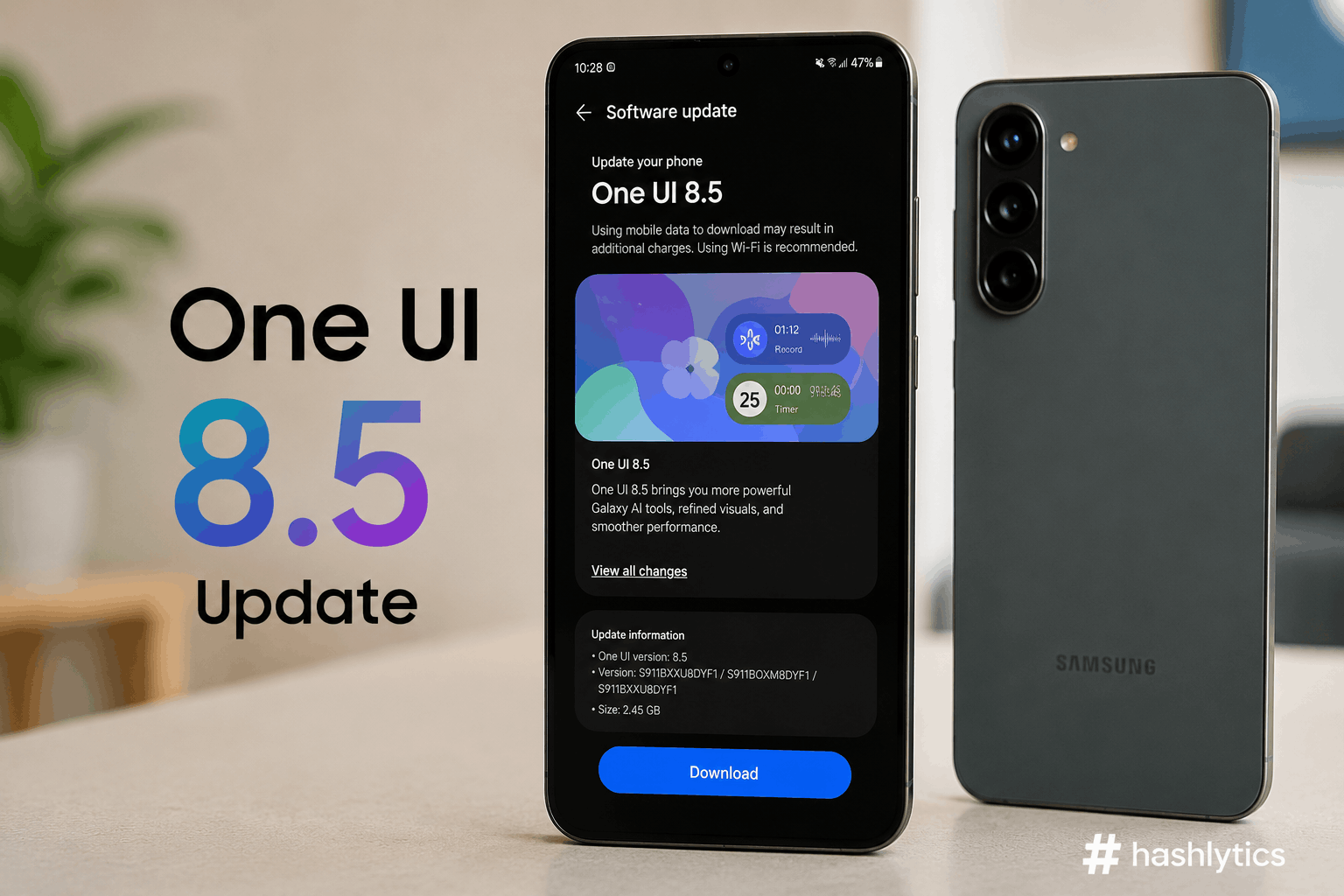
The One UI 8.5 stable update is now available for the Samsung Galaxy S23 series, including the Galaxy S23, Galaxy S23 Plus, and Galaxy S23 Ultra. Additionally, the update is reaching the Galaxy A56, Galaxy A36, and the Galaxy Tab S11 series. Users across global markets, including India, are reporting receiving the new software.
Reports from users on X indicate that the One UI 8.5 update for the Galaxy S23 series is available in India with firmware version S91xBXXU9FZDP, requiring a substantial 4GB download. The rollout began earlier this month in South Korea, expanding swiftly to other regions.
For the Galaxy Tab S11, the vanilla model receives firmware version X736NKOU5BZE3, while the Ultra variant gets X936NKOU5BZE3. The Galaxy Tab S10 FE in Korea is also reportedly receiving the update, with firmware versions X520XXU7CZE3 and X5200XM7CZE3, a 2.8GB download. This widespread distribution ensures millions of Galaxy users can access the latest One UI experience.
Flagship AI Features Arrive for Previous-Generation Galaxies
A key highlight of the One UI 8.5 update is the integration of several Galaxy AI features that debuted with the newer Galaxy S26 lineup. This strategic move by Samsung brings cutting-edge functionality to a broader user base. These new tools enhance productivity and creativity on older devices.
The update includes a suite of advanced AI capabilities:
- Call Screening functionality
- Agentic AI features
- Creative Studio tools
- Continuous AI image generation
- Updated Audio Eraser functionality
These features signify Samsung’s commitment to extending the lifespan and utility of its previous-generation devices, offering a refreshed user experience without needing a hardware upgrade.
How to Access the One UI 8.5 Update
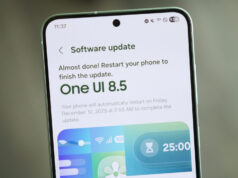
Eligible users with the mentioned Galaxy handsets in India and other global markets should receive the update automatically. However, users eager to install the update immediately can perform a manual check. It is recommended to update smartphones and tablets while connected to a strong Wi-Fi network and plugged in to charge to ensure a smooth process.
- Open the Settings application on your Samsung Galaxy device.
- Scroll down and tap on
Software update. - Select Download and install to check for available updates.
The widespread rollout of One UI 8.5 with Galaxy AI features marks a significant step in Samsung’s software strategy, making advanced intelligence more accessible. This move could influence user retention and provide a competitive edge in the crowded smartphone market.
Follow Hashlytics on Bluesky, LinkedIn , Telegram and X to Get Instant Updates