Letting the App Ask for Outcomes
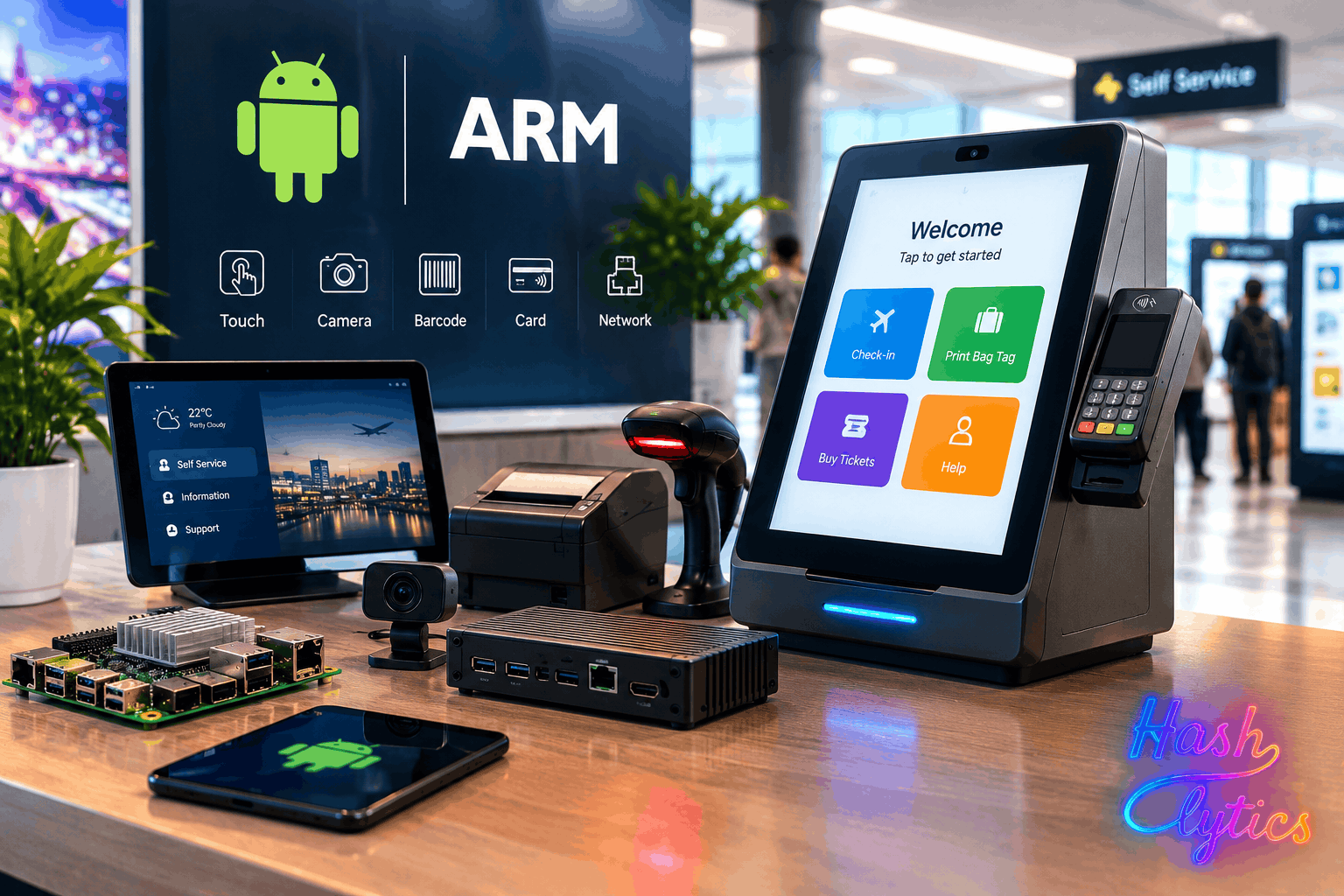
Modern Android platforms approach the problem differently. They talk to external equipment over USB and network connections, and industrial Android hardware often ships with custom integration layers for specialized applications. The core idea is to separate the customer-facing application from low-level hardware control.
Wheeler points to USB Host Mode as a key enabler. It lets an Android device act as the USB host and communicate directly with attached peripherals. Compatibility still depends on the specific hardware and software involved, but it removes a major barrier to using Android in automated retail.
Android’s Hardware Abstraction Layers (HALs) push the idea further. They let higher-level components work without knowing every hardware detail, so a kiosk application can simply request “retrieve product” without worrying about the motor pulses behind it. Dedicated controllers or middleware layers handle those mechanical instructions instead. When a component changes, the customer-facing software needs fewer updates, which makes upgrades and maintenance easier across a fleet of machines. Android Open Accessory (AOA) adds to this by letting external devices initiate communication, which makes peripherals smarter rather than passive.
Windows Keeps Its Peripheral Edge
Windows has not lost its footing. Its vast ecosystem of commercial peripherals and drivers still gives it an advantage, and for existing kiosk programs that maturity remains valuable. The difference is that new platforms are no longer locked into that model. They can be designed as intelligent, communicating modules, with a compact central computer and specialized controllers doing the heavy lifting. Android and ARM suit that layout well.
Wheeler’s yardstick for any of this is practical: a good kiosk architecture is one that is reliable and easy to repair in the field.
Hashlytics Take
The pitch here is less about Android beating Windows and more about where complexity is allowed to live. Moving it out of one overloaded PC and into small controllers makes the kiosk easier to service, but it also means more firmware and more interfaces to keep in sync, a cost the source never prices. It also comes from an automated retail integrator, so treat the field-service savings as a design goal rather than a measured result. The clearest signal is who benefits first: new kiosk programs with no Windows driver baggage, not the installed base.
Follow Hashlytics on Bluesky, Facebook, LinkedIn , Telegram and X to Get Instant Updates