As of September 30, 2026, the new protections are live for Android users in those regions, targeting apps installed from participating stores
on certified Android 7+ devices running Google Play Services. A global expansion is expected sometime in 2027.
Sideloading Isn’t Dead Yet
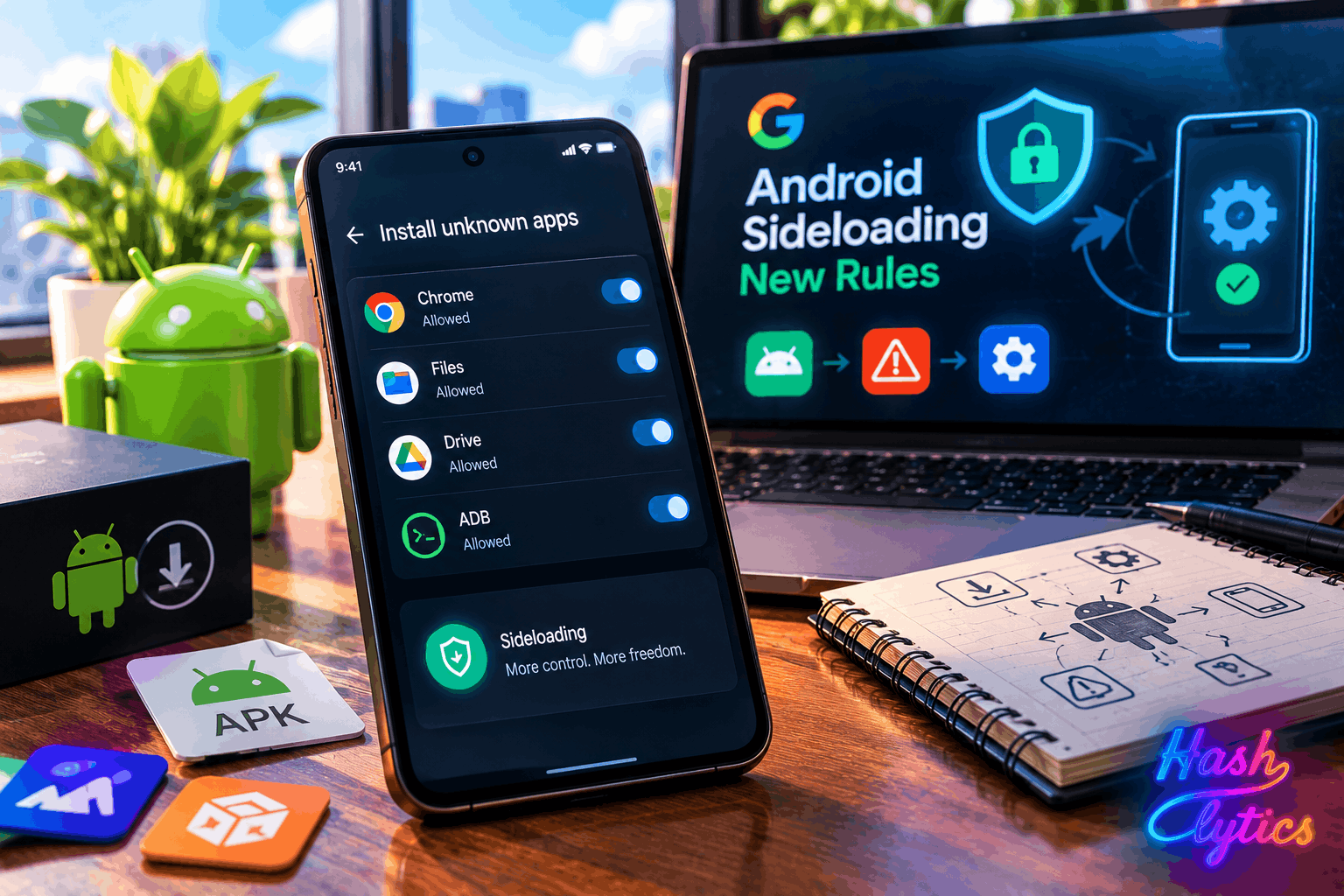
Despite the alarm these rules generated, the strictest bypass requirements aren’t universally in effect for every sideloaded app. Google Community Engagement Manager Mishaal Rahman clarified that the Advanced Flow
is not yet needed
for installing unregistered apps from outside participating app stores.
Users can still install apps from unverified developers if those apps come from outside the designated partner stores. Where the policy does bite is apps from GitHub, F-Droid, and community-patched applications like Morphe, since these often alter signing keys, which flags them as unverified in Google’s system.
What Getting Around It Actually Looks Like
For situations where restrictions do kick in, several paths remain open. Google’s official Advanced Flow requires enabling Developer Options, toggling specific settings, restarting the phone, and waiting a mandatory 24 hours before reauthenticating and choosing temporary or indefinite permission.
Beyond Google’s own flow, a few other routes work too:
- Installing via ADB (Android Debug Bridge)
- Using Shizuku for wireless debugging
- Rooting the device entirely
Custom ROMs like Lineage OS and GrapheneOS are expected to stay exempt from Google’s Developer Verifier framework altogether. Apps already installed before the rollout will keep working, but updating them will require going through one of these bypass routes.
A Few Things Power Users Should Know
Disabling Developer Options after completing the Advanced Flow does not revert your permissions, so banking apps and other sensitive applications will continue functioning normally. There’s also some community uncertainty around whether the 24 hour waiting period expires, since Google’s documentation doesn’t mention a timeout.
None of this applies if you’re downloading from officially sanctioned stores, which include Google Play Store, HONOR App Market, OPPO App Market, Samsung Galaxy Store, Transsion Palm Store, vivo V-Appstore, and Xiaomi GetApps.
Google’s Framing Versus the Reality
Google positions these changes as protection against scams and malware, a persistent problem on Android. For most users who stick to official app stores, nothing changes. The friction lands almost entirely on power users and developers distributing apps outside major platforms.
The phased rollout gives Google room to collect feedback before the 2027 global expansion, but it also means the rules could tighten considerably once that feedback period ends.
Hashlytics Take
The headline version of this story, that Google is locking down sideloading, isn’t quite what’s happening yet. What’s actually live is a verification layer with enough bypass routes that anyone technical enough to sideload in the first place can still do it. The real question isn’t whether sideloading survives in 2026. It’s whether Google uses the 2027 global rollout to close these bypass routes once it has a year of adoption data and less room for developer backlash.
Follow Hashlytics on Bluesky, Facebook, LinkedIn , Telegram and X to Get Instant Updates