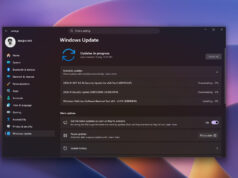
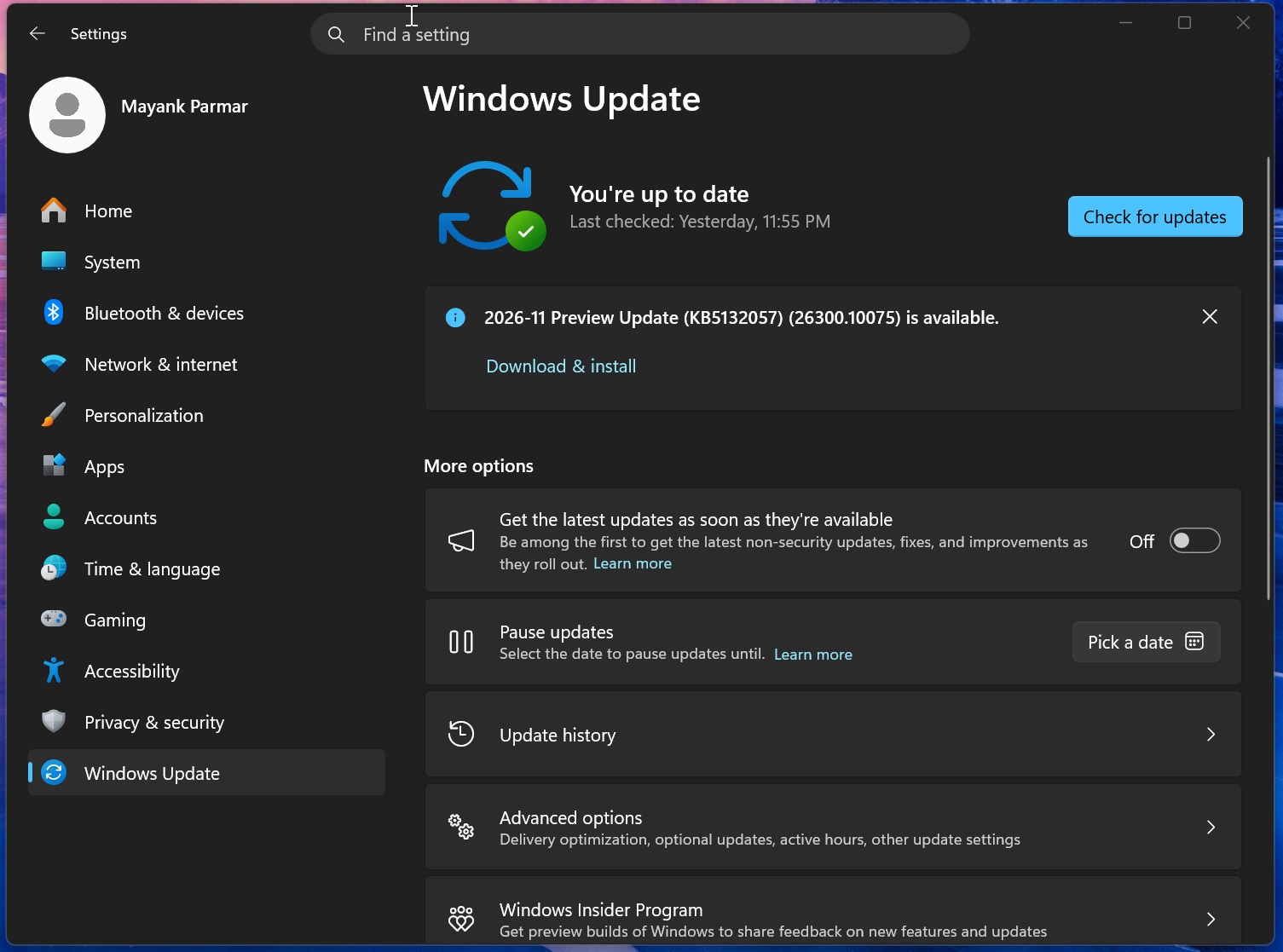
26300.10075 for 26H2 and Build 26200.10075 for 25H2. It weighs nearly 5GB, largely because it bundles offline AI models alongside cumulative fixes.
The update is optional, but anyone with quick updates enabled will get it automatically, with installation respecting active hours. In testing, setup takes about ten minutes and a single reboot, unless pending Secure Boot certificate refreshes force additional restarts. Users who would rather skip Windows Update can grab the offline installer from the Microsoft Update Catalog.
Search Drops WebView2, and Run Gets a Rewrite
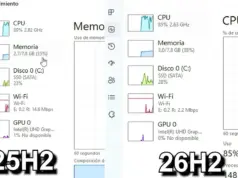
The redesigned Windows Search experience is built in WinUI and no longer relies on WebView2, which previously loaded an instance of Microsoft Edge behind the panel. Microsoft says the native version cuts RAM use by 15 to 20 percent. The interface moves to a single results list, with inline actions that let users flip settings directly from the search panel without opening the Settings app.
A modern Run dialog, also built in WinUI and developed by the PowerToys team, ships alongside it. It opens in against 103ms for the legacy dialog and supports jumping to the root user directory with ~. The old Browse button is gone. Microsoft’s telemetry showed only 0.0038 percent of 35 million sampled users ever clicked it.
The new Run dialog is switched off by default. To try it, go to Settings > System > Advanced and enable it manually.
Smaller Fixes and One Known Bug
The rest of the release targets everyday friction:
- Sticky Keys: the prompt that appears after pressing Shift five times now includes an option to turn the feature off right from the pop-up
- Windows Hello: facial recognition can temporarily raise display brightness in dark rooms, but it is off by default and must be enabled under sign-in options
- File Explorer: the “This PC” search now uses the main Windows Search index, which should end the persistent loading screens
Microsoft has also documented a known issue in which SQL Server linked server queries leave connections open after they finish. That can degrade performance until the connections are closed manually, so admins running SQL Server on affected machines may want to hold off.
Builds and Download Sizes
| Build number | Size | OS version | Architecture |
|---|---|---|---|
| 26300.10075 | 5044.1 MB | Windows 11 26H2 | x64-based |
| 26300.10075 | 4958.1 MB | Windows 11 26H2 | arm64-based |
| 26200.10075 | 5044.1 MB | Windows 11 25H2 | x64-based |
| 26200.10075 | 4958.1 MB | Windows 11 25H2 | arm64-based |
Follow Hashlytics on Bluesky, Facebook, LinkedIn , Telegram and X to Get Instant Updates