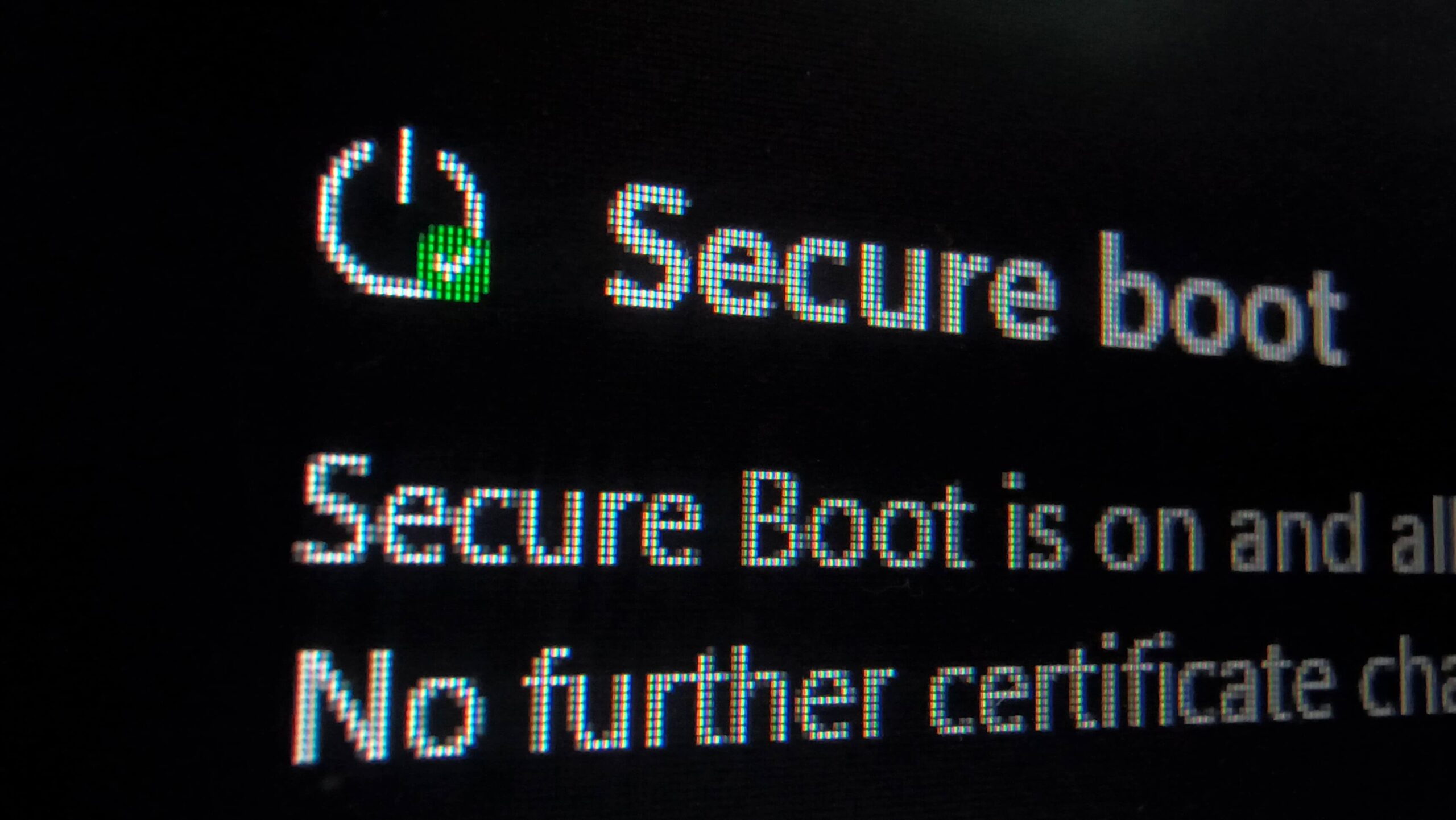
Secure Boot is a UEFI firmware feature designed to prevent malicious software from tampering with the boot process. Without updated certificates, devices could lose security verification capabilities at a crucial system level.
Which OEMs Are Involved
Leading PC brands have all published dedicated documentation. HP, Dell, ASUS, and Lenovo have published the most comprehensive guides. MSI, Acer, Samsung, LG, and Microsoft’s Surface division also provide support pages. These resources explain the certificate transition, list supported models, and outline necessary user actions.
When Certificates Expire
The 2011 certificates are expiring in three distinct phases throughout 2026. The Microsoft Corporation KEK CA 2011 expired on June 24, 2026. The Microsoft UEFI CA 2011 followed on June 27, 2026. The final certificate, Microsoft Windows Production PCA 2011, is scheduled to expire on October 19, 2026.
Microsoft has been delivering 2023 replacement certificates via Windows Update. However, the full implementation relies on each OEM providing compatible BIOS updates for their hardware.
What Different Manufacturers Are Doing
ASUS offers a detailed consumer Secure Boot guide and a separate commercial PC guide, confirming most users will update automatically through Windows Update.
Lenovo published a Secure Boot Certificate Expiration Guide that provides direct BIOS download links organized by product family. This makes it easy for users to find their specific device model.
Dell released a support article covering its full product lineup. Dell noted a cutoff policy for devices reaching End of Service Life before January 1, 2026, meaning older systems may not receive updates.
HP split its guidance into consumer and commercial tracks. The company flagged that some early 2026 HP BIOS updates caused BitLocker recovery loops and boot failures on certain premium commercial devices, so users should review release notes carefully.
Microsoft Surface devices receive updates directly from Microsoft without requiring manual BIOS installation.
How to Check Your PC’s Status
You can verify your Secure Boot certificate status directly in Windows Security. Navigate to Device Security and locate the Secure Boot section.
A green checkmark indicates the 2023 certificates are already applied. A yellow warning means an update is pending and will likely install automatically. A red icon signals a specific firmware incompatibility requiring manual intervention.
Windows 10 users also received Secure Boot certificate status reporting with the May 2026 update KB5087544. Microsoft pushed the certificates to all eligible devices in June 2026, so most systems should already show updated status.
What You Should Do
For most users, Windows Update will handle the certificate installation automatically. If you see a yellow warning in Device Security, allow Windows Update to complete its cycle. If your device shows a red icon, visit your OEM’s support page for specific BIOS update instructions for your model.
The key takeaway is not to ignore this update. Secure Boot verification at the firmware level is foundational to Windows security, and letting these certificates expire could leave your system vulnerable to boot-level attacks.
Follow Hashlytics on Bluesky, LinkedIn, Telegram and X to Get Instant Updates