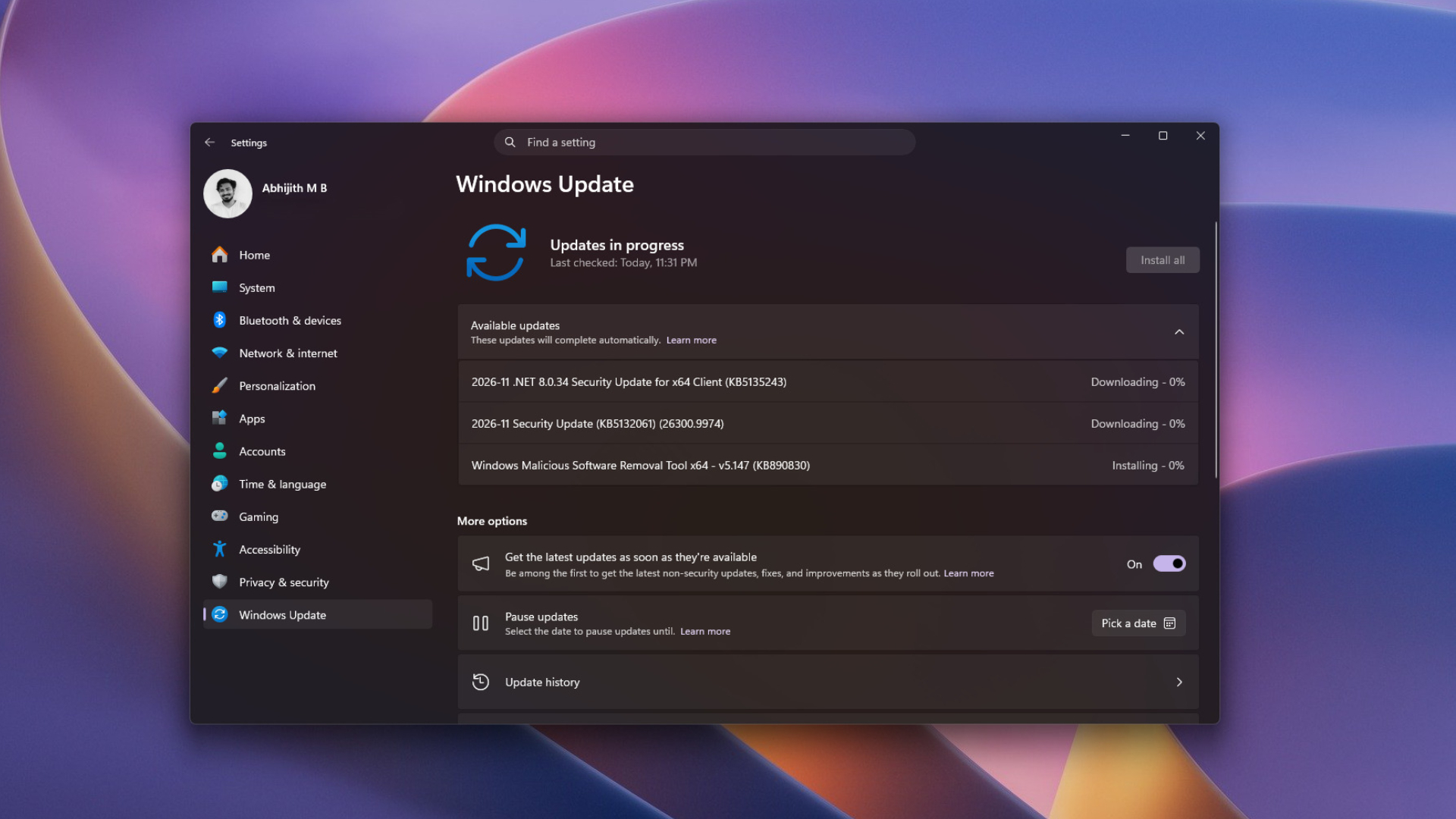
26300.9974 and 25H2 to build 26200.9974. Its headline change is a File Explorer right-click menu that opens instantly and can finally be trimmed to taste, alongside performance gains for 8GB laptops and smoother taskbar animations. It also folds in every fix from the October 28 optional release, KB5127936, which reached Insiders two weeks earlier.
The update downloads automatically on compatible systems, and you can check manually under Settings > Windows Update. Features roll out gradually, so some may not show up right away.
Windows 11 24H2 Home and Pro will not receive it. Those editions reached end of support on October 13, and Microsoft wants those users on 26H2, which they can reach through a small enablement package and a single restart (ZDNet has a walkthrough). Enterprise and Education users on 24H2 keep receiving monthly security updates through October 12, 2027, though without preview releases. November 11 is also the last update for 23H2 Enterprise and Education.
Twenty menu items down to eight
The old problem was sprawl. Every app you install adds entries, and the modern Windows 11 menu that was meant to tidy things up still left out commonly used commands, so people kept hopping between it and the classic menu. Before this update, right-clicking an image showed 20 items below the icon row, seven of them app extensions such as Ask Copilot and Edit with Clipchamp, and the menu took one to two seconds to appear. Microsoft admitted in August that it had become cluttered and sluggish
.
The revised menu shows eight items and opens the instant you click. Extensions now load only when their submenu is opened, which is what removes the delay. To tune it, go to Settings > Personalization > Context menu, or right-click a file or folder and choose Customize menu where it is offered. From there you can:
- Toggle Windows commands such as Send to, Create shortcut, Copy as path, and Rotate image
- Add Print back in
- Decide which app extensions sit in the main menu and which move into a submenu
- Turn the icon row into regular text items for Cut, Copy, Paste, Rename, Delete, and Share
- Move Properties to the bottom, as in Windows 10
- Choose whether to keep the classic menu available
Older apps like 7-Zip still appear only in the classic menu, which you reach with Shift + right-click.
Where 8GB laptops and Edge pick up speed
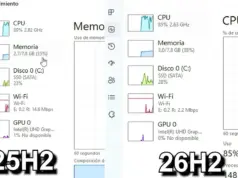
Windows 11 26H2 now targets entry-level hardware directly. According to a November 3 Microsoft blog post, build 26300.9818 and later lets Windows keep up to 2GB more active data in RAM, so recently used tabs and apps reload less often. Start, Search, right-click, Settings, and File Explorer respond up to 20% faster than January 2026 builds, and Widgets now load only on demand, saving roughly 200MB. In one test on an 8GB laptop, RAM usage dropped from 5GB to 3.3GB after a restart.
Edge launches up to 33% faster under heavy multitasking through accelerated app launch, a normal-rollout feature arriving with Edge 150 and later. The browser now registers itself with Windows at startup, so Windows no longer spawns a temporary process to look for a running instance. Most people should see launches about 15% faster.
Recovery gets an upgrade too. Cloud rebuild reinstalls Windows 11 from the internet with no USB drive, even when Windows will not boot, by pulling system images and drivers from Windows Update. You find it under Settings > System > Recovery > Rebuild PC, and it erases all local files, so backups matter. The Windows Recovery Environment now reuses saved Wi-Fi credentials automatically, and Memory Integrity switches on for more supported PCs while respecting earlier user or admin choices.
The Outlook flaw behind the mandatory label
The update also carries the month’s security fixes, resolving 1,094 vulnerabilities, 63 of them rated critical. One is already being exploited in the wild: a spoofing flaw in Outlook that lets a remote attacker make the app connect to an attacker-controlled network without any warning, potentially exposing a username and password.
Smaller refinements round things out, including better File Explorer search results, message previews in Phone Link, a modernized AutoPlay dialog, and reorganized privacy controls in Settings.
Hashlytics Take
The right-click fix is less about design than plumbing. Microsoft did not invent a better menu; it stopped loading every third-party extension up front, which is why the menu drops from 20 items to eight and opens without a pause. That also means the speed you get will depend on how much Microsoft lets apps hang off the menu from here on. The bigger story for most readers is the exploited Outlook flaw, and it carries a quiet catch: people still on 24H2 Home or Pro are not getting this update, so they are not getting that fix either. For them, moving to 26H2 is no longer about new features.
Follow Hashlytics on Bluesky, Facebook, LinkedIn , Telegram and X to Get Instant Updates