
-4.75%
-6.07%
-7.70%
-6.83%
-4.57%
-27.42%
SparkKitty: The Malware That Reads Your Photos
SparkKitty is mobile spyware targeting both iOS and Android. Its job is simple: scan your phone’s photo gallery for crypto wallet recovery phrases. It uses optical character recognition (OCR) to extract sensitive text from screenshots and images, then sends everything to attacker-controlled servers.
According to The Block, citing Check Point research, SparkKitty appeared on Apple’s App Store, Google Play, and third-party Android channels. Researchers found it embedded in an Android app called SOEX (over 10,000 downloads) and an iOS app named 币coin. Kaspersky’s Securelist analysis shows the campaign has been active since at least February 2024, likely connected to an earlier campaign called SparkCat that used the same attack vector.
The malware isn’t sophisticated. It exploits the fact that millions of people screenshot their seed phrases thinking it’s convenient. It’s not. It’s catastrophic.
Why Your Screenshot Became Your Weakness
A seed phrase, typically 12 or 24 words, is the master key to your entire wallet. If someone obtains it, they own all your crypto. Period.
The moment you screenshot that phrase, it enters a dangerous ecosystem:
- It syncs to cloud backups (iCloud, Google Photos, Microsoft OneDrive)
- It can be accessed by any app with photo permissions
- It persists in your phone’s cache even after you delete it
- It appears in synced devices and cloud recovery systems
Deleting the image from your phone gallery doesn’t delete it from these places. That’s the trap most users fall into.
This Is Part of a Bigger Problem
SparkKitty isn’t an isolated incident. Seed phrase and private key theft have become the dominant attack vector in crypto losses.
TRM Labs’ 2026 Crypto Crime Report linked infrastructure attacks, including key and seed phrase compromises, to $2.2 billion in losses across 45 incidents in 2025. Chainalysis estimated over $3.4 billion was stolen in crypto thefts from January to early December 2025, with personal wallet compromises affecting at least 80,000 unique victims.
The data is stark: CoinDesk reported that private key theft, not smart contract flaws, accounted for roughly 40 percent of the $16.69 billion in historical crypto hack losses tracked by DeFiLlama.
Wallet providers have gotten better at securing infrastructure. Users have not gotten better at protecting their own secrets.
How to Actually Protect Your Seed Phrase
Don’t do this:
- Screenshots on your phone
- Cloud storage (Google Photos, iCloud, OneDrive)
- Email drafts or sent folders
- Notes apps, text editors, or chat messages
- Photos stored anywhere synced to the internet
Do this instead:
Paper (acceptable for small amounts): Write the phrase on paper, then store it in a physically secure location like a safe deposit box. Paper works but isn’t fireproof or waterproof long-term.
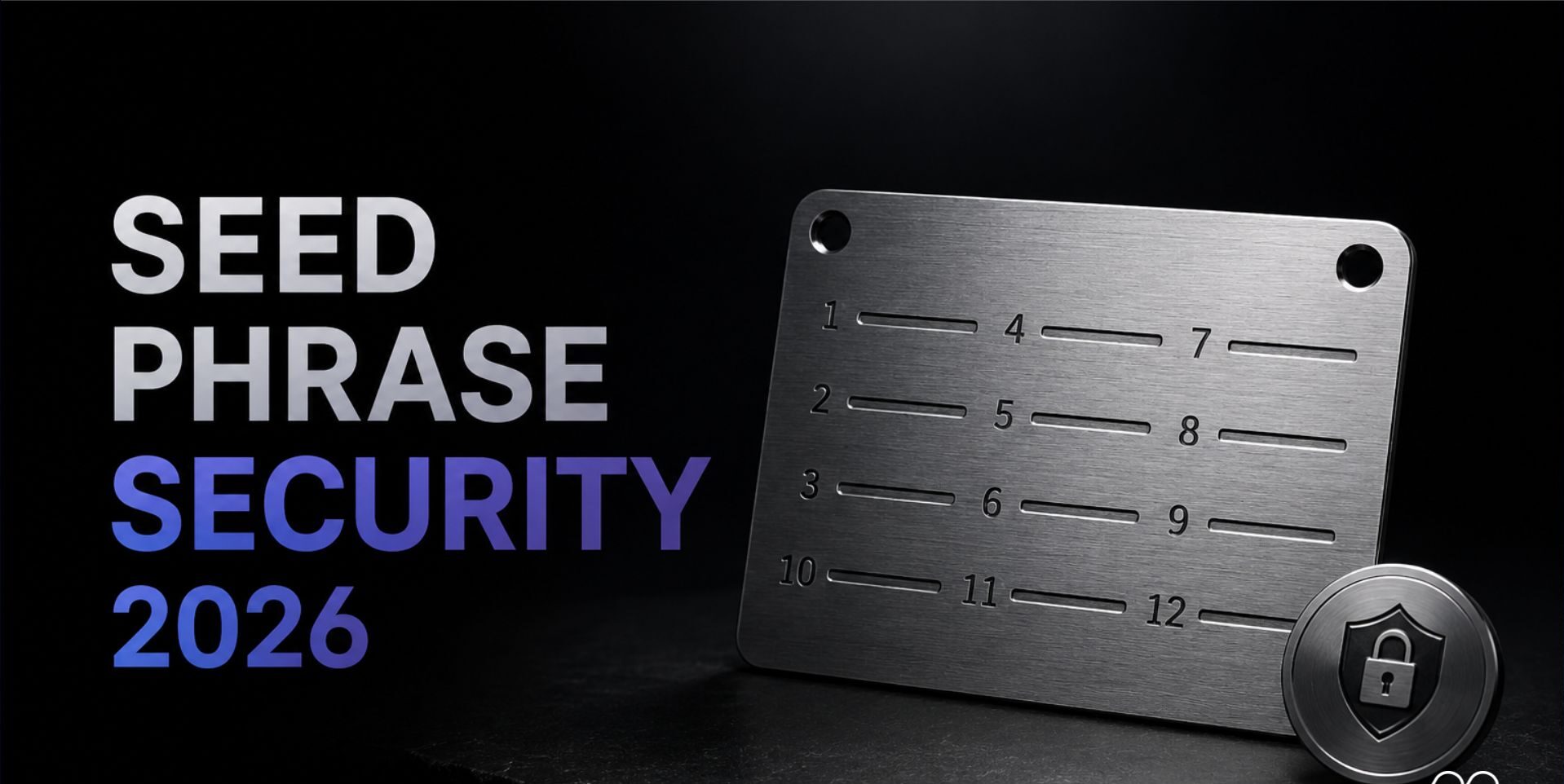
Metal plates (better for long-term): Engrave your seed phrase on stainless steel or titanium plates😃😃 (pardon my laughter). These survive fire, water, and decades of storage without degradation. They cost $20-50.
Hardware wallets (best for daily use): Devices like Ledger, Trezor, or COLDCARD isolate private key operations from your internet-connected phone. Your seed phrase stays offline during setup and never needs to be accessed again for transactions.
Advanced options: Shamir Secret Sharing splits your recovery phrase across multiple physical locations so no single point of failure exists. Seedless wallets and Multi-Party Computation (MPC) solutions eliminate a single written phrase entirely.
If Your Seed Phrase Was Ever Screenshotted
If you’ve ever taken a screenshot of your seed phrase, assume it’s compromised. Deleting the image from your phone doesn’t remove it from cloud backups, synced devices, or cached files.
The only safe response: create a new wallet with a new, offline-recorded seed phrase. Move all your funds from the old wallet to the new one. This is not optional if you value your crypto.
Also review your phone’s app permissions. Revoke photo gallery access from any app that doesn’t genuinely need it.
The Real Problem Ahead
SparkKitty exposes a gap that’s not technical but behavioral. Wallet makers can build perfect infrastructure, but users still choose convenience over security.
The question facing the industry isn’t whether malware will improve. It’s whether wallet providers and mobile platforms will implement friction during setup—like preventing screenshots or blocking photo gallery access during seed phrase display—to protect users from themselves.
Until then, the burden falls on you. Treat your seed phrase like the master key to your financial future, because that’s exactly what it is.
Follow Hashlytics on Bluesky, LinkedIn, Telegram and X to Get Instant Updates