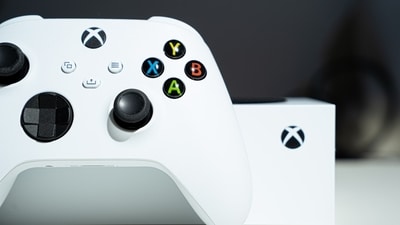
Xbox Network Connectivity Disruptions Trigger 0x80004005 Error
The technical issue manifested for many users as the 0x80004005 error code. According to real-time data from Downdetector, over 1,900 reports were logged by frustrated players, with the majority of complaints citing server connection failures.
While the ability to launch and play games reportedly remained intact for some, the core social infrastructure of the Xbox ecosystem remained inaccessible. Users across various platforms noted that they could not join parties or view their message threads, which led to significant concern for those relying on the platform for critical communication.
Impact on Player Communication and Service Status
The outage highlights the increasing reliance on console-based social features as primary communication tools. Several users voiced concerns in public forums regarding the loss of access to their chat logs, emphasizing that these services serve as vital lifelines for personal safety and social connection.
Despite the high volume of reports, official communication from the platform remained scarce. Users noted that Xbox Support had not issued a public statement acknowledging the disruption at the time of writing. This lack of transparency has compounded frustrations for the community, as players were left to speculate whether the outage was a result of unexpected server failure or unannounced maintenance.
Troubleshooting Steps for the 0x80004005 Error
While the widespread nature of this incident suggests a server-side failure that cannot be resolved by the end user, players experiencing persistent issues after services are restored may attempt to resolve the 0x80004005 error using standard troubleshooting procedures. These steps are designed to address potential synchronization issues between the client and the network.
- Sign out of your profile and then sign back in to force a re-synchronization with the servers.
- Perform a full power cycle of your console or restart your PC to clear cached data.
- For Windows users, ensure that your system date and time settings are synchronized correctly.
- Check for available updates for both the Windows operating system and the
Xboxapp. - If the issue persists on PC, use
PowerShellto remove and reinstallGaming Services.
Note: Because this outage affected thousands of users simultaneously, these local troubleshooting steps are unlikely to bypass the core server-side restrictions currently in place. Players should wait for official confirmation that services have been restored before attempting complex technical fixes.
Follow Hashlytics on Bluesky, LinkedIn , Telegram and X to Get Instant Updates