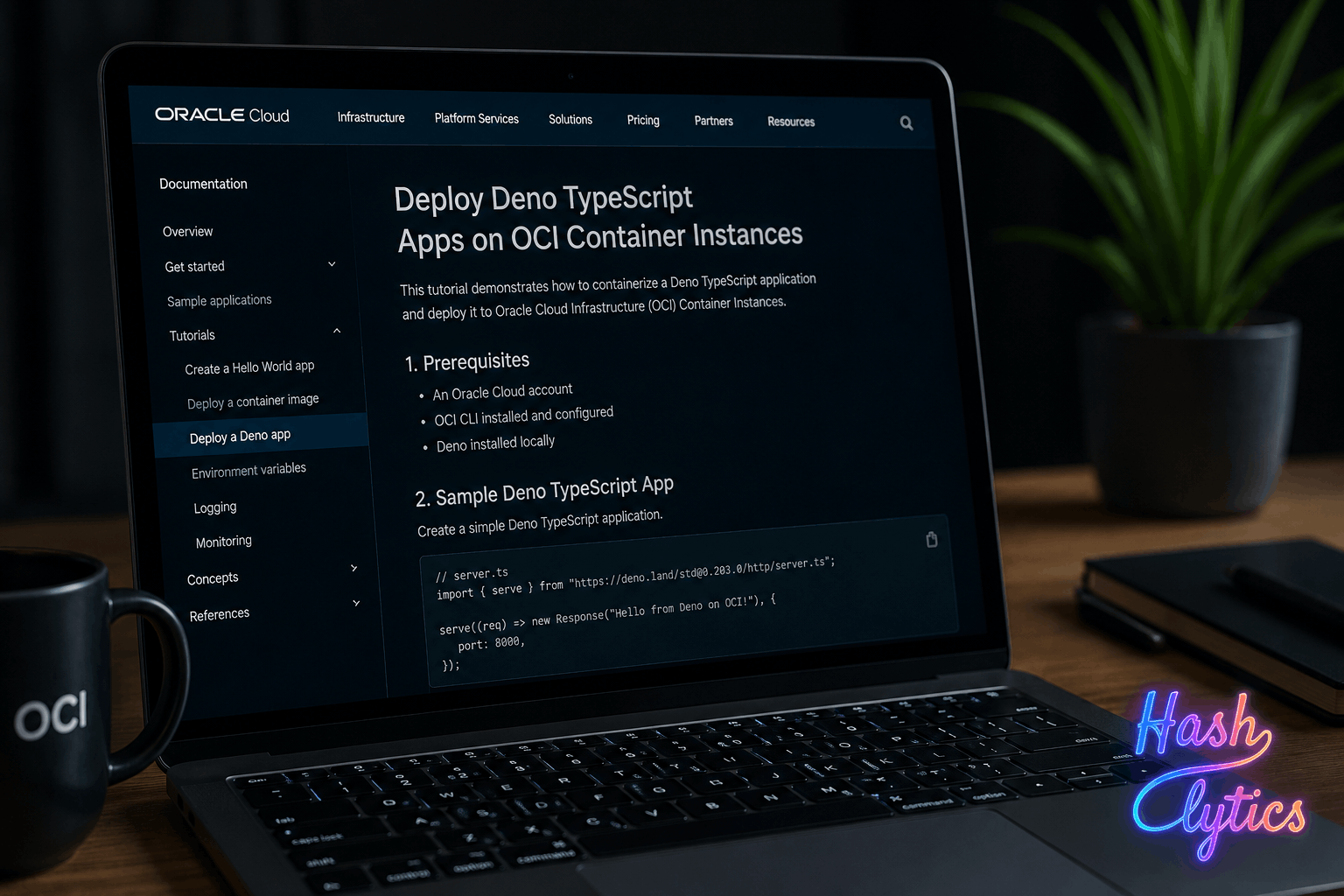
Why This Stack Matters
Deno addresses TypeScript development pain points: type safety without configuration overhead, secure module management, and built-in tooling. Paired with OCI Container Instances (managed compute, no VM overhead) and NoSQL persistence, it creates a powerful stack for digital-native companies building scalable applications rapidly.
The Deployment Workflow
| Phase | Task | Tool |
|---|---|---|
| Setup | Install Deno, clone sample repo | Cloud Shell, curl |
| Database | Create NoSQL table “dinosaurs” | Deno script (load-db) |
| Infrastructure | Provision networking, compute, DNS | Terraform |
| Deploy | Launch container, expose via IP/DNS | OCI Container Instances |
Getting Started: Step by Step
1. Install Deno
curl -fsSL https://deno.land/install.sh | sh2. Clone the sample repository
git clone https://github.com/gpoul/tf-deno-container-instance.git
cd tf-deno-container-instance/
3. Set the NoSQL compartment ID
export NOSQL_COMPARTMENT_OCID=ocid1.compartment.oc1..aaaaaaaax7dexampleexampleexampleexampleexampleexample4. Load the sample database
cd fresh-dinosaurs/
deno install     # Install dependencies
deno run load-db # Create and populate NoSQL table
cd ..
5. Configure Terraform variables (create terraform.tfvars):
tenancy_ocid = "ocid1.tenancy.oc1..aaaaaaaaxmplsampletenancyocidnotreal1234567890abcdefg"
compartment_ocid = "ocid1.compartment.oc1..aaaaaaaax7dexampleexampleexampleexampleexampleexample"
region = "eu-frankfurt-1"
availability_domain_index = 0
container_instance_name = "deno-fresh-dinosaurs"
container_image_url = "ghcr.io/gpoul/fresh-dinosaurs:latest"
nosql_compartment_ocid = "ocid1.compartment.oc1..aaaaaaaax7dexampleexampleexampleexampleexampleexample"
6. Deploy infrastructure
terraform init
terraform plan
terraform apply
Terraform outputs a dinosaursUrl for testing. Access it to verify the application loads data from NoSQL.
Key Considerations
Stateless design: The container instance is ephemeral. All state lives in NoSQL, allowing seamless horizontal scaling.
Automated infrastructure: Terraform handles networking, compute provisioning, and optional DNS configuration, reducing manual setup from hours to minutes.
Cost awareness: OCI resources incur charges. Clean up with terraform destroy, but manually delete the NoSQL table since Terraform doesn’t manage it.
Image flexibility: The sample uses a public image, but you can push your own to a container registry and reference it.
When to Use This Approach
This stack excels for teams building stateless web services, APIs, or microservices that need fast iteration and auto-scaling. Deno’s type safety reduces runtime errors, while OCI’s managed services eliminate operational overhead.
The tutorial provides a complete, production-ready template for cloud-native TypeScript development. Whether you’re starting a new project or migrating existing services, this deployment path minimizes infrastructure complexity without sacrificing capability.
Ready to deploy? Start with the sample repository and adapt it to your application logic.
Follow us on Bluesky , LinkedIn , and X to Get Instant Updates