Google’s New Desktop Search Arrives for Windows 10 and Beyond
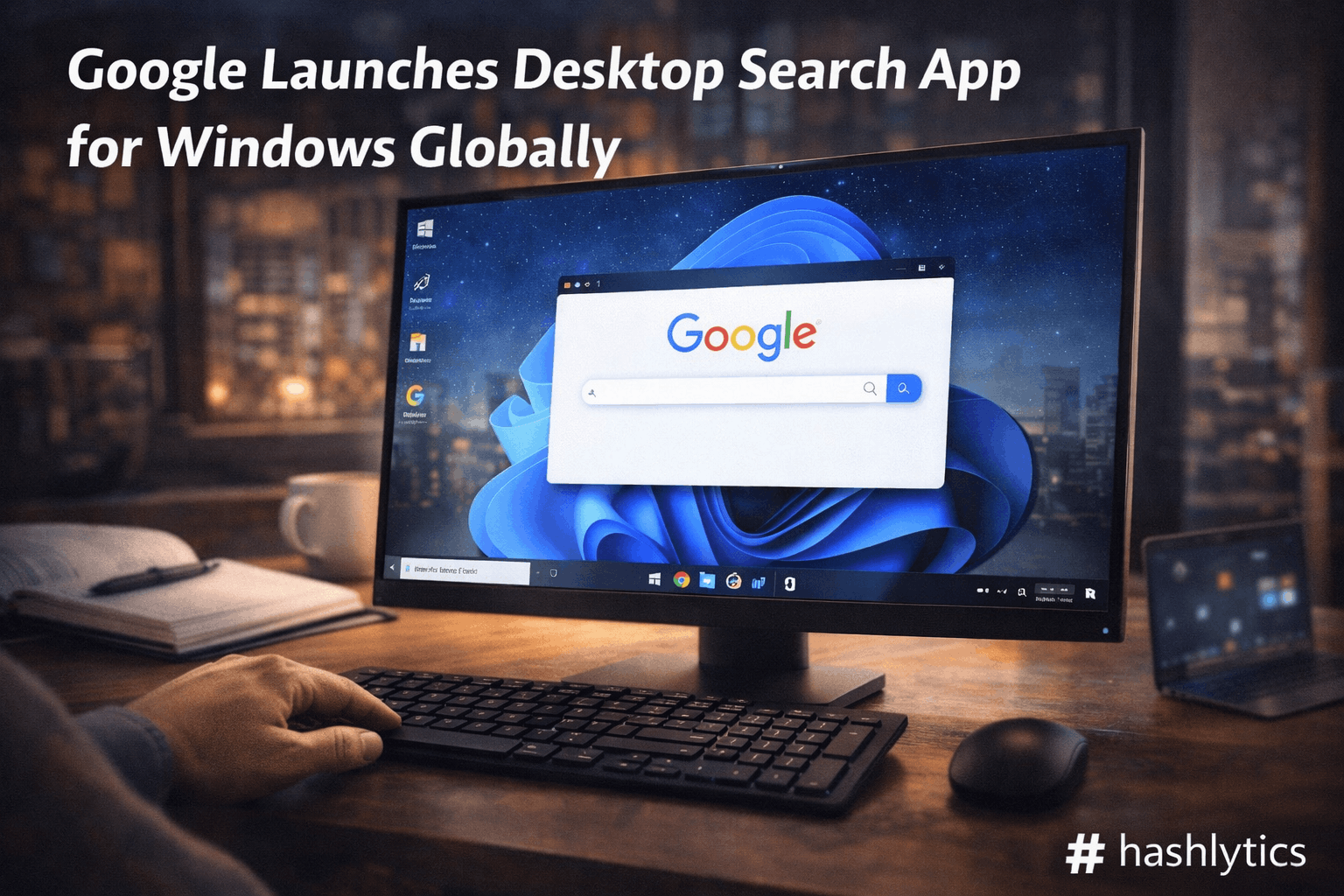
The desktop app works on PCs running Windows 10 or newer. Users can activate it by pressing Alt + Space, which brings up a search interface that mirrors macOS’s Spotlight functionality. The app allows simultaneous searching across the web, local computer files, and Google Drive, consolidating multiple search sources into a single entry point.
The interface includes browsable views for different content types. Users can toggle between All results, Images, and AI Mode to refine their searches. For more advanced queries, the app integrates Google Lens capabilities, enabling users to ask questions about content visible on their screen or share their screen for contextual assistance.
Why Google Built This Now
Google‘s move reflects broader competition in the productivity software space. Spotlight-style search has become a standard expectation on modern operating systems, and Windows users have long lacked a native equivalent that seamlessly integrates web and cloud search. By launching this app, Google positions itself as a central search hub across Windows devices.
The timing also aligns with Google’s broader push into desktop applications. The company is reportedly testing a Gemini app for macOS, which would compete directly with existing AI chatbot applications like Anthropic’s Claude and OpenAI’s ChatGPT.
What Remains Unclear
Google has not confirmed whether the desktop search app will expand to macOS or Linux. The company did not immediately respond to requests for clarification on platform expansion plans. Pricing details and any future premium features also remain unannounced.
The Bigger Picture
This launch represents Google’s effort to deepen its integration into the Windows ecosystem, traditionally dominated by Microsoft. By offering a free, feature-rich search tool, Google captures user attention at a critical moment in the workflow: the search initiation point. The inclusion of AI Mode signals Google’s commitment to embedding generative AI into everyday productivity tasks.
The app’s success will likely depend on user adoption and whether it delivers meaningful speed and relevance advantages over Windows Search and web-based alternatives. For now, Windows users interested in a unified search experience can download the app directly from Google’s website.
Follow Hashlytics on Bluesky, LinkedIn , Telegram and X to Get Instant Updates