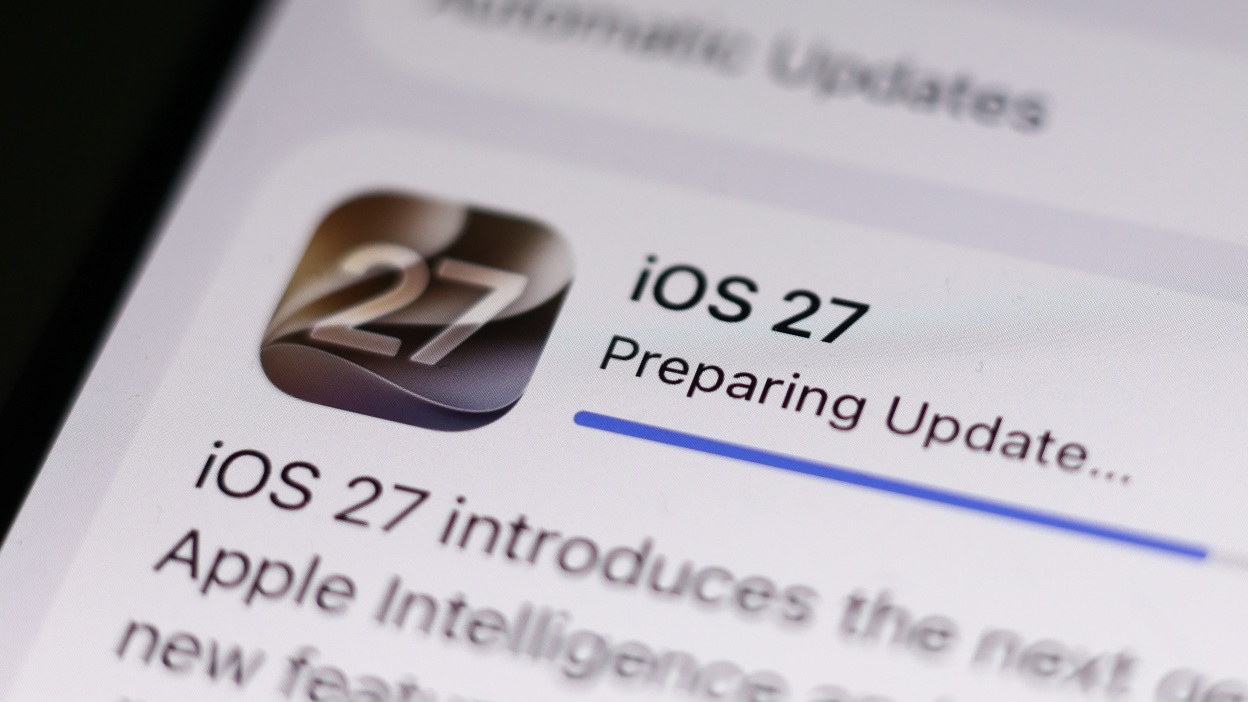
Users upgrading to iOS 27 and macOS 27 Golden Gate are discovering just how much disk space the feature actually takes up. Lifehacker’s Senior Technology Editor, Jake Peterson, reported finding 20.65GB used on his iPhone 17 Pro. His M3 MacBook Pro allocated a full 30GB to the AI features, more than double what Apple has publicly stated.
The Numbers Don’t Match Across Devices
Peterson’s older M1 iMac told a different story, showing 13.88GB dedicated to Apple Intelligence. That figure lines up closely with Apple’s stated maximum of 14GB for the AI features. The gap only shows up on newer hardware, where the M3 MacBook Pro’s 30GB allocation leaves the official limit far behind.
For users running smaller SSDs, that gap isn’t just a curiosity. Every gigabyte matters on a 256GB drive, and an unexpected 30GB allocation can be the difference between comfortable headroom and constantly clearing out files.
Why the AI Needs This Much Room
Apple Intelligence is built to run on-device whenever possible, and that design choice is the whole point of Apple’s privacy pitch. Keeping data local means the system downloads AI models directly to the device rather than processing everything in the cloud. Certain advanced features, like personalized Siri voices, need additional data stored locally, which explains why some devices need up to 14GB just for the baseline experience.
What isn’t clear yet is why newer devices with more processing power are seeing allocations more than double that baseline. More capable hardware might be downloading additional model variants or higher fidelity versions, but Apple hasn’t explained the discrepancy.
There’s No Way to Trim It Down
Right now, there’s no method to selectively remove Apple Intelligence models or scale back what’s stored. Disabling Siri, which offers some AI-related settings, doesn’t free up the space the models already occupy. The files stick around even after a restart, leaving users with essentially no control over the footprint once it’s there.
Users can check their own storage allocation by going to:
- macOS: System Settings, then General, then Storage
- iOS: Settings, then General, then iPhone Storage
A future update, possibly iOS 27.2, may need to address the overrun directly, though Apple hasn’t confirmed any fix is coming.
Hashlytics Take
Apple built its privacy pitch around keeping AI processing on-device, and that tradeoff was always going to cost storage. The problem here isn’t the concept, it’s that the company published a number and then quietly blew past it on newer hardware without saying why. Users bought devices with certain storage expectations, and a 30GB allocation nobody can trim or opt out of turns a privacy feature into a tax nobody agreed to pay.
Follow Hashlytics on Bluesky, Facebook, LinkedIn , Telegram and X to Get Instant Updates