+1.05%
-0.71%
-1.02%
-1.11%
-5.56%
-0.30%
How Offline Mode Works
The core idea is simple but powerful. You set a protection window up to 12 hours long (with hour-level precision), and during that entire period, every withdrawal attempt gets automatically blocked. No exceptions, no matter the amount.
This is designed to catch a specific type of attack: when someone compromises your account during overnight hours and tries to drain it with small, repeated withdrawal attempts. Instead of scrambling to respond to alerts, your account just says “no” to everything that tries to leave during your chosen window.
What’s Protected
Offline Mode covers the main withdrawal channels you’d actually use:
- Standard crypto withdrawals
- C2C selling via P2P
- API withdrawals
- Pay top-ups
The protection only applies during your chosen window. Outside that time, everything works normally. This feature is available to all users who have completed KYC verification.
How to Set It Up
Getting Offline Mode running takes about two minutes.
Step 1: Log into OKX and navigate to Security Centre
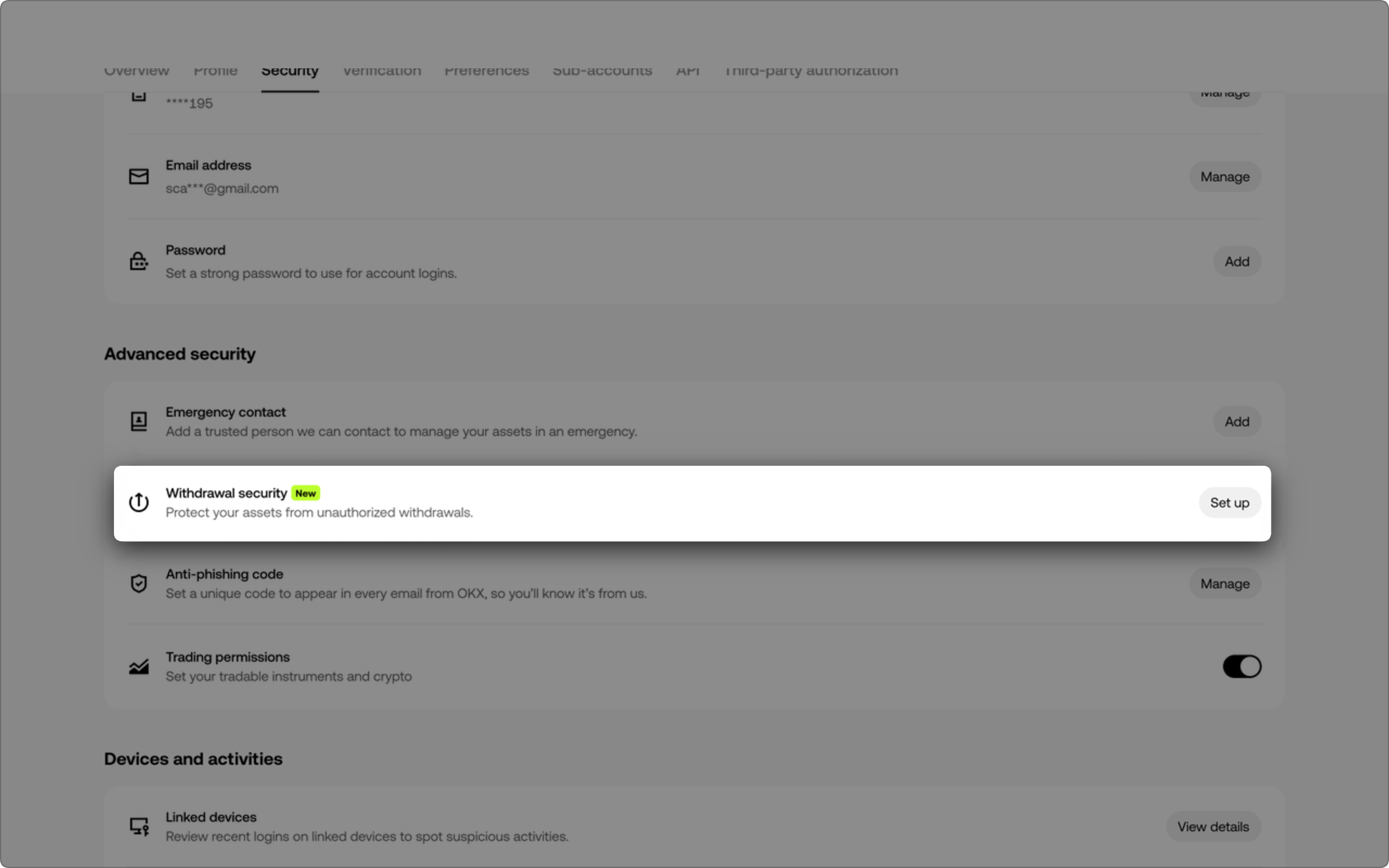
Step 2: Go to Advanced Security Settings, then tap Withdrawal Protection
Step 3: Select Offline Mode and pick your protection window (up to 12 hours, chosen in hourly increments)
Step 4: Confirm your settings. That’s it. It takes effect immediately without additional verification.
Important Limitations to Know
Once you’ve enabled Offline Mode and the protection window is active, you can’t change it or disable it until the window closes. If you need to adjust the settings outside the active window, you’ll need to complete Eagle Eye facial verification before the change gets saved.
This is intentional. It prevents someone who’s compromised your account from immediately turning off the protection.
How It Works With Other Protections
Offline Mode plays nicely with OKX’s existing Amount Protection feature. If a withdrawal triggers both protections at the same time, Offline Mode takes priority and blocks the transaction outright. You won’t need facial verification to reject it.
Think of Offline Mode as your first line of defense for timing-based attacks, while Amount Protection catches suspicious withdrawal sizes. Together they give you layered security without friction when withdrawals actually match your normal patterns.
For a deeper dive into OKX’s security architecture, check their Security Centre.
Why This Matters
Account compromises happen. But most attackers work on timing. They grab access and immediately try to move funds while you’re asleep or away from your phone. Offline Mode turns that window into a dead zone. It’s a straightforward way to add friction to the most dangerous withdrawal window without making legitimate withdrawals annoying.
Follow Hashlytics on Bluesky, LinkedIn , Telegram and X to Get Instant Updates