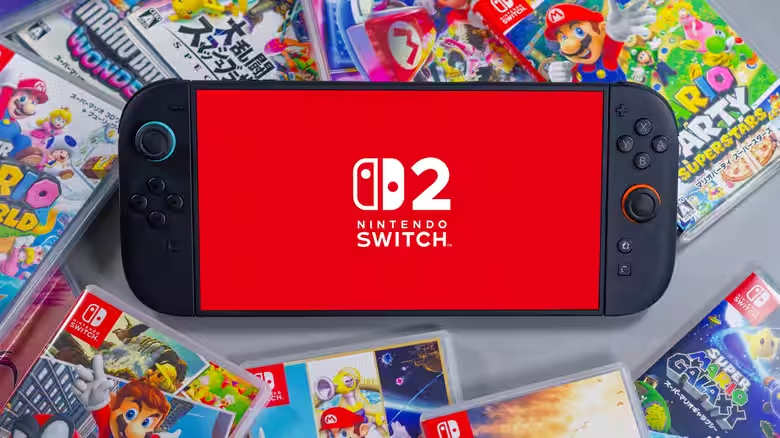
The Nintendo Switch 2 is a significant investment. With a 7.9-inch LCD screen, 256GB of storage, and a custom NVIDIA processor, the system offers a notable upgrade from the original. Reports of price hikes mean replacements will cost you even more. Given the U.S. coverage is a limited 12-month warranty, protecting your console from day one is critical.
Most damage to the Switch 2 comes not from defects, but from user error. Small mistakes with charging, cleaning, storage, and handling can cause serious (and expensive) problems. Here are the five most common pitfalls and how to avoid them.
1. Using Incompatible Chargers with the Dock
This is the single most common way to fry your Switch 2. The dock’s power regulator can only handle specific wattage levels. Using an unauthorized charger, or one with output higher than 54W, can burn out the regulator itself.
What happens: A damaged dock regulator doesn’t just kill the dock. Excess power can flow directly into your console, permanently damaging the mainboard.
What to do: Only use Nintendo’s official AC adapter or licensed third-party chargers rated for 54W or higher. Check the label before plugging in anything unfamiliar.
2. Removing the Anti-Scattering Screen Film
The Switch 2 ships with a permanent anti-scattering adhesive film on the screen. This isn’t a shipping film you peel off and throw away.
What it does: If the screen cracks, this layer contains the glass fragments and keeps the display partially functional. Removing it strips away this protection.
What to do: Leave the film on. If you want additional screen protection, apply a third-party tempered glass protector over it for extra peace of mind, but never peel off the original layer.
3. Cleaning with Harsh Chemicals
Keeping your console clean is important, but the cleaning method matters. Strong industrial cleaners or solvents corrode the plastic housing and degrade internal components.
What’s safe: Power off and unplug the system. Use a soft, lint-free cloth dampened with plain water. For disinfection, up to 70% isopropyl alcohol is acceptable. Anything stronger risks permanent damage.
What to avoid: Bleach, acetone, harsh window cleaners, or anything marketed as industrial strength
. These will eat through protective coatings and corrode circuitry.
4. Blowing Into the System or Game Cards
This old console trick from the cartridge era doesn’t work on the Switch 2 and actively damages it. Moisture from breath causes connectors and contact points to rust and corrode over time.
If cards won’t read: First, ensure your system software is up to date via System Settings. If the problem persists, contact Nintendo Customer Support instead of attempting DIY fixes.
For maintenance: Use a dry, soft brush or compressed air (held upright, not inverted) to clear dust from vents and card slots if needed.
5. Storing the Console in Unsuitable Locations
Where you store your Switch 2 matters as much as how you use it. Harsh environments degrade the system faster than you’d expect.
The ideal storage spot is:
- Cool and dry, away from direct sunlight
- Well-ventilated with unrestricted airflow around vents
- Away from high-traffic areas where it could be stepped on
- Free from moisture, dust, and extreme temperature swings
- Clear of strong magnetic objects (which can demagnetize payment cards)
Locations to avoid: Car dashboards in summer, bathrooms with steam, basements, windows with direct sun, and crowded shelves where the console could easily fall.
Simple Prevention Saves Money
The Switch 2 represents a hefty upgrade over the original console. Protecting it through proper care costs nothing but prevents expensive repairs or replacements down the line. Stick to Nintendo’s guidelines on chargers, cleaning, storage, and handling, and your investment will stay safe for years of gaming.
Follow Hashlytics on Bluesky, LinkedIn, Telegram and X to Get Instant Updates