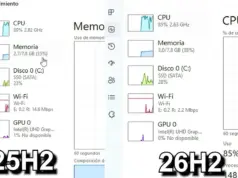
The update, labeled “2026-08 Preview Update (KB5120998) (26200.9278),” will not download automatically unless the “Get the latest updates as soon as they’re available” toggle is enabled. It bumps Windows 11 25H2 to Build 26200.9278 and version 24H2 to Build 26100.9278.
Download Sizes and Availability
Direct download links for KB5120998 are available for both 64-bit and ARM64 architectures. Microsoft recommends using Windows Update for monthly updates, though the Microsoft Update Catalog offers offline installers for troubleshooting.
These monthly updates are notably larger than their Windows 10 counterparts, with some packages requiring over 5GB of bandwidth. The increased size comes down to AI models bundled into the download, even on PCs that don’t support running them.
| Build Number | Size | OS Version | Architecture |
|---|---|---|---|
| 26200.9278 | 5370.2 MB | Windows 11 25H2 | x64-based |
| 26200.9278 | 5370.2 MB | Windows 11 25H2 | ARM64-based |
| 26100.9278 | 4922.3 MB | Windows 11 24H2 | x64-based |
| 26100.9278 | 4922.3 MB | Windows 11 24H2 | ARM64-based |
The Taskbar Finally Moves Again
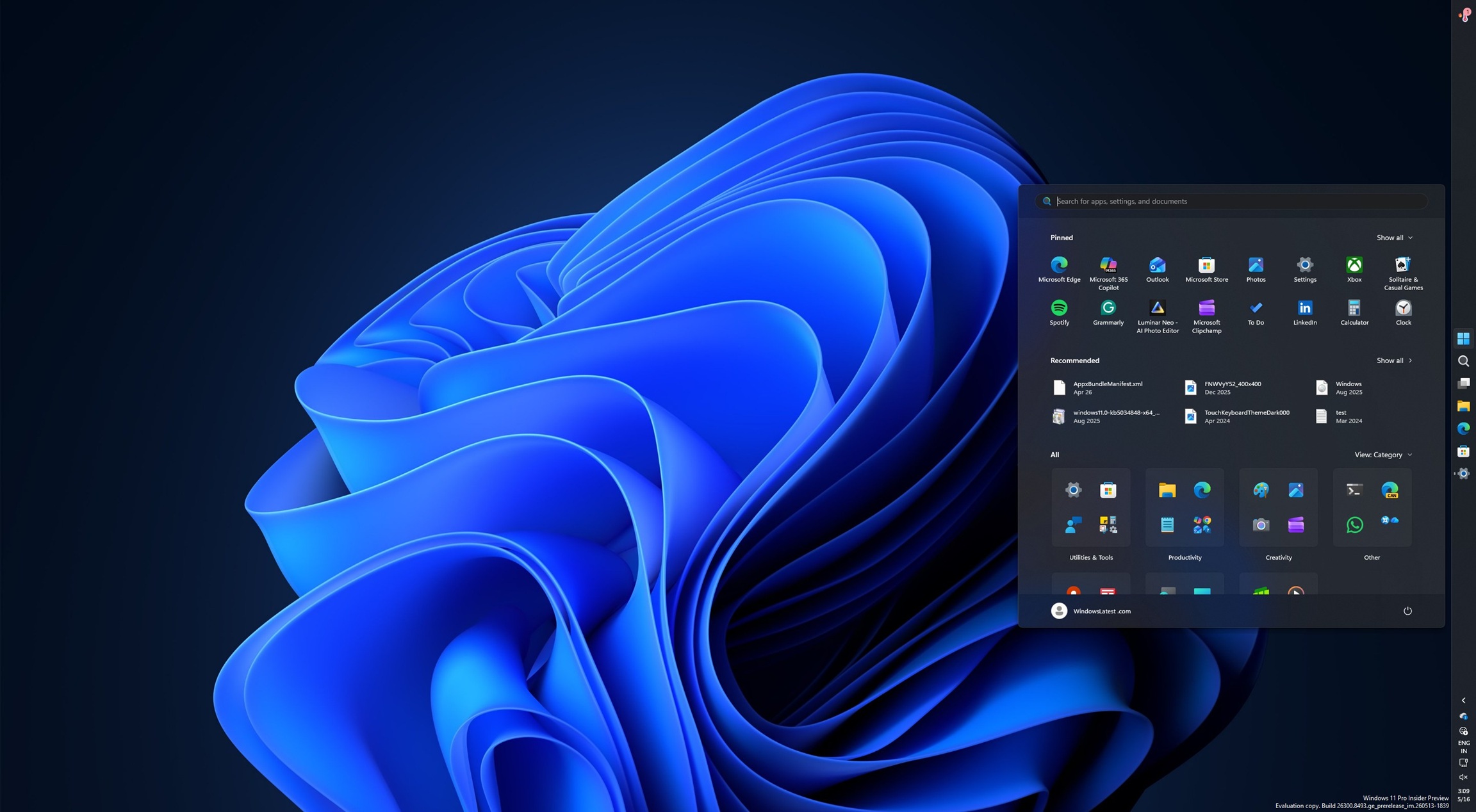
The movable taskbar returns to Windows 11 after a five year absence. Microsoft previously removed this feature, citing animations and interface flow, though Windows 11’s ongoing struggle to gain market share likely played a bigger role in the reversal. Users can now position the taskbar to the top, left, right, or bottom via Settings > Personalization > Taskbar > Taskbar behaviors.
A smaller taskbar option also arrives, mirroring Windows 10 functionality. Previously, only icons could shrink while the taskbar itself stayed large. The new setting under Settings > Personalization > Taskbar allows for a genuinely compact taskbar.
Start Menu Gets Real Customization
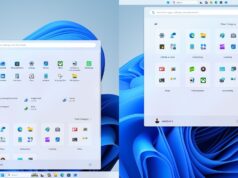
The Start menu picks up much needed flexibility with this update:
- Resize between “Small” and “Large” under Settings > Personalization > Start
- Fully remove the Recommended/Recent feed, now decoupled from File Explorer’s Recent integration
- Disable your name and profile picture in Start, useful for screen sharing during livestreams
Windows Search Drops Bing by Default
Perhaps the most anticipated change affects Windows Search. KB5120998 lets users disable Bing and Microsoft Store results entirely, so Windows Search shows only local results including files, pictures, and installed applications.
Microsoft says this change improves result relevance. Users can manage these settings under Settings > Privacy & security > Search, giving them a more focused search experience without web clutter mixed in.
These features are rolling out gradually over the coming days. Many of the changes reverse earlier design decisions that proved unpopular with users, and whether this shift meaningfully affects Windows 11 adoption remains to be seen.
Follow Hashlytics on Bluesky, Facebook, LinkedIn , Telegram and X to Get Instant Updates