Gemini Can Now Remember Where You Put Things
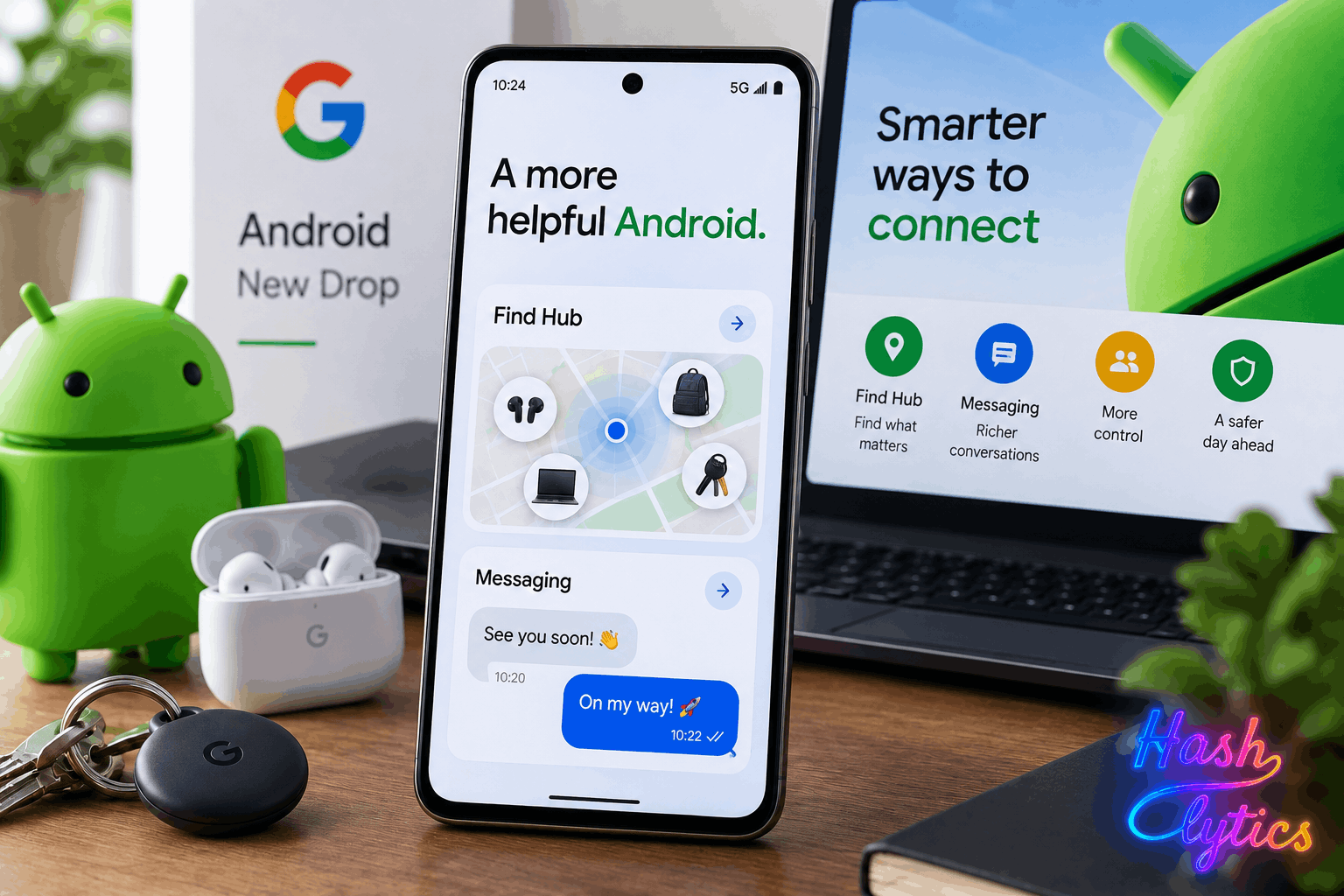
Find Hub now helps locate items without dedicated trackers. Users on Android 16 or higher can log the location of everyday objects directly through Gemini, expanding Find Hub’s utility beyond phones, earbuds, and tracker tags.
To log an item, open the Gemini app and say or type something like “Hey Gemini, I put my keys in the kitchen drawer.” You can optionally add a photo of the item or its location for extra context. Ask Gemini to recall the information later, or check Find Hub directly whenever you need it.
Guided Vision Helps Users See Through Gemini
Gemini Live introduces Guided Vision, a new accessibility feature that helps users identify objects in a camera frame or read text they cannot see clearly.
Activate it from the system Accessibility shortcuts or the TalkBack menu, then point your phone’s camera at an object or text. Gemini interprets the camera feed in real time, describing what it sees or reading text aloud. The feature works on most Android phones running Android 9 Pie or newer, so this isn’t limited to the newest hardware.
Messages Gets Built In Note Sharing
Google Messages, now the default texting app for many Android users, integrates with Google Keep for quick note creation and sharing inside conversations. Open a conversation, tap the + icon next to the message field, select Keep, and create your note directly within the overlay. It shares automatically with everyone in the conversation.
Messages may also suggest Keep as an action on Gemini Intelligence devices, but the core feature works on any Android phone running the Messages app.
Chat Themes Bring Personalization to Threads
Each message thread can now carry its own look. Open a thread, head into its settings menu, and choose to set a chat theme using either a system wallpaper or a photo from your camera roll. The app themes text bubbles based on the image’s colors automatically, or you can manually pick a preferred color instead. This works across any Android phone running Messages, no restrictions there.
Motion Assist Graduates to a Full Feature
Motion Assist, designed to ease motion sickness, is now an official Android 17 feature. It uses floating dots on screen to counteract the sensory mismatch that causes discomfort in moving vehicles.
Enable it under Google Services settings, and optionally add a Quick Settings tile for faster access. You can also configure it to activate automatically once your phone detects vehicle motion. Motion Assist began appearing on some phones last month, though device availability remains narrow even among Android 17 users.
Rollout Timeline
These features are part of the September Drop. Google says they’re coming to phones soon, which in practice can mean anywhere from a few days to several weeks before full availability lands across all eligible devices.
Follow Hashlytics on Bluesky, Facebook, LinkedIn , Telegram and X to Get Instant Updates